
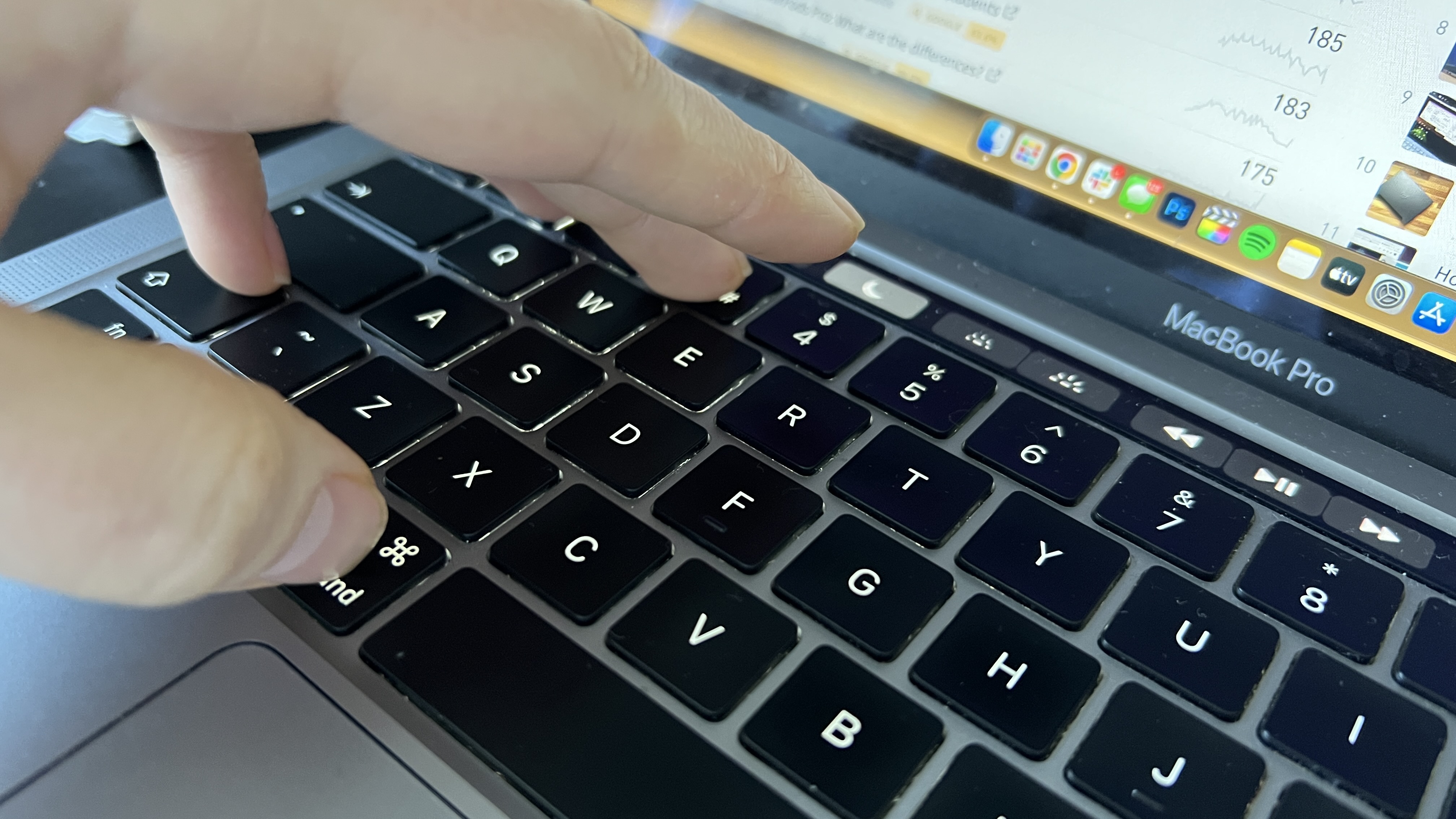
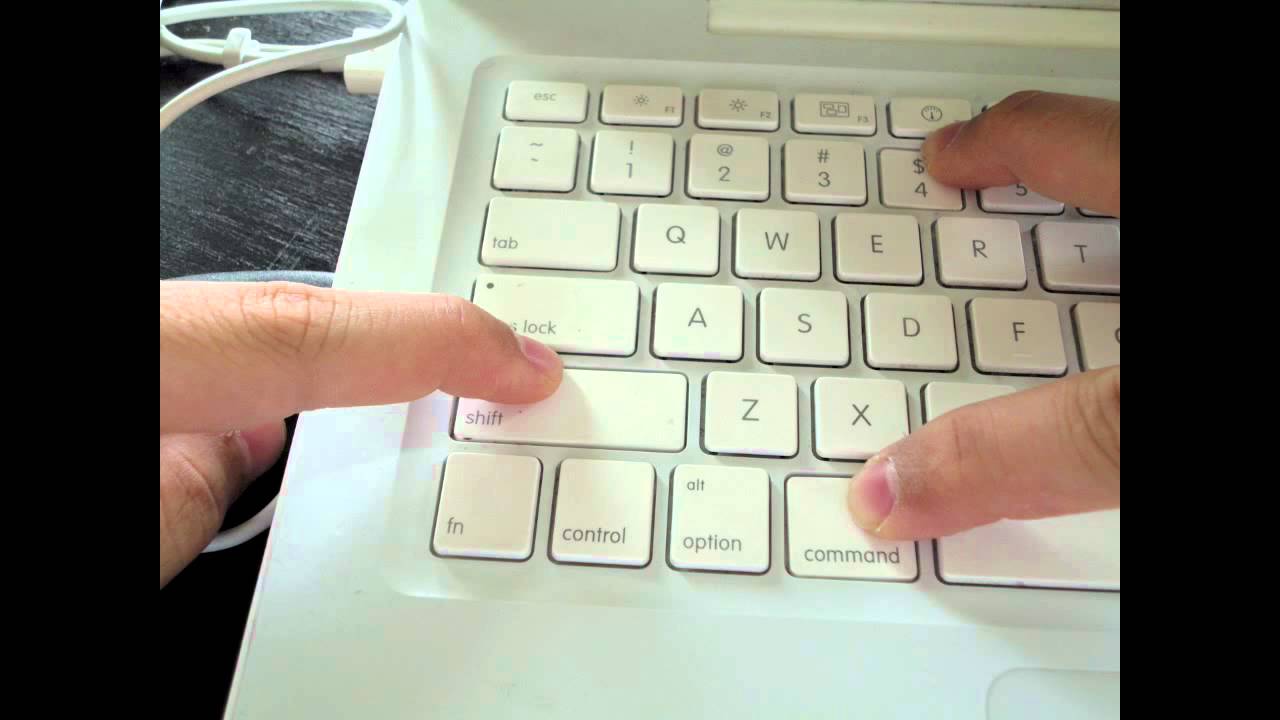
On a Mac, press Shift + Command + 3 for a full-screen screenshot or Shift + Command + 4 to select an area.
Shortcuts
- Shift + Command + 3: the whole screen.
- Shift + Command + 4: drag to select an area.
- Shift + Command + 4 then Space: capture a window.
- Shift + Command + 5: toolbar with screen recording and options.
Where it is saved
Screenshots go to the Desktop by default as PNG files. Hold Control while taking it to copy to the clipboard.
Change the location
Use the Shift + Command + 5 Options menu.

Touch Bar
On older MacBook Pros, Shift + Command + 6 captures the Touch Bar.
Based on data from Apple Support.