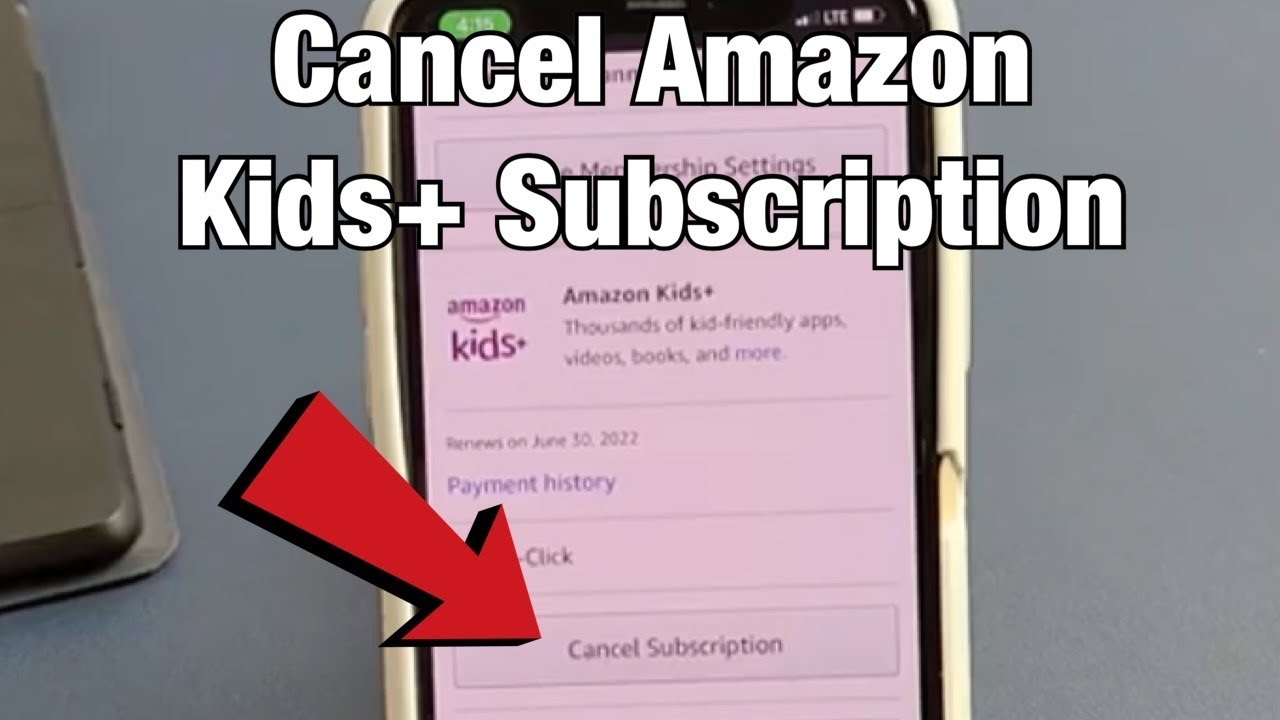
Go to Account & Lists, then Memberships & Subscriptions (or Your Subscribe & Save Items), choose the subscription, and select cancel.
Steps on the website
- Sign in to Amazon and go to Account & Lists.
- Open Memberships & Subscriptions to cancel Prime, Kindle Unlimited, or Music.
- For Subscribe & Save, open Your Subscribe & Save Items.
- Select the subscription and choose cancel.
Prime cancellation
Prime shows end of benefits options and may offer a refund if you have not used benefits.
App subscriptions
Subscriptions billed by Apple or Google are canceled in those stores.
Check billing
Look at your emailed confirmation to avoid being charged again.
Based on data from Amazon Help.