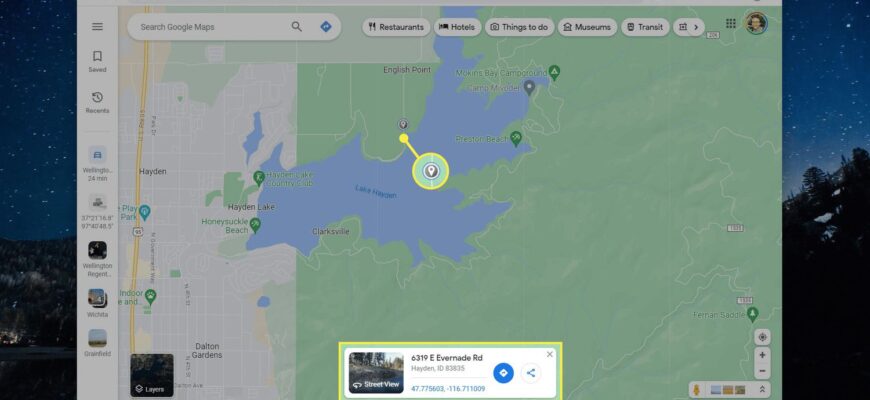
On Google Maps, press and hold (or right-click) a spot on the map to drop a pin, then tap it for details and directions.
Computer
Right-click a spot on the map and choose “Drop pin” or click once.
Phone
Press and hold on the map until a red pin appears. Swipe up for details.

What you can do
Share the location, save it, measure distance, or get directions.
Coordinates

The pin shows latitude and longitude, such as 40.7128, -74.0060.
Remove
Tap the X in the search box.
Based on data from Google Maps Help.