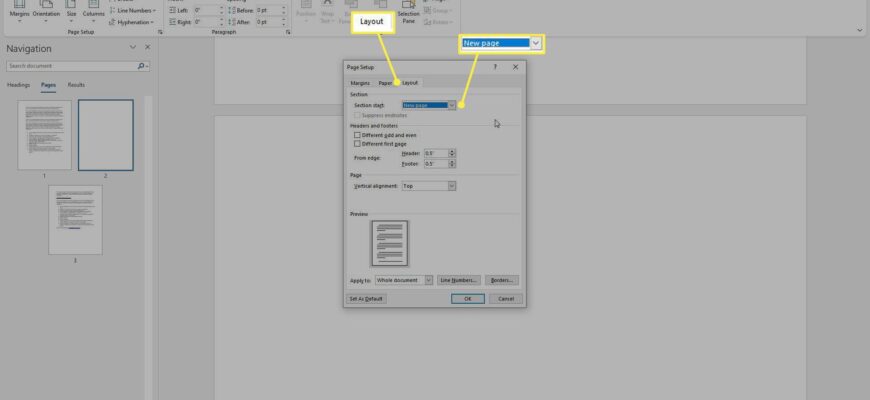
Turn on paragraph marks (Ctrl + Shift + 8), select the extra paragraph mark or page break on the blank page, and press Delete.
Why it happens
Usually an extra paragraph mark, page break, or table at the end of the document forces a blank page.
Fix
- Press Ctrl + Shift + 8 to show paragraph marks.
- Select the extra paragraph or page break on the blank page.
- Press Backspace or Delete.

If a table is at the end
Word needs a paragraph after a table. Shrink that paragraph to 1 point font and remove spacing.
Mac

Press Command + 8 to show marks.
Printing
Check the printer setting that adds a separator page.
Based on data from Microsoft Support.