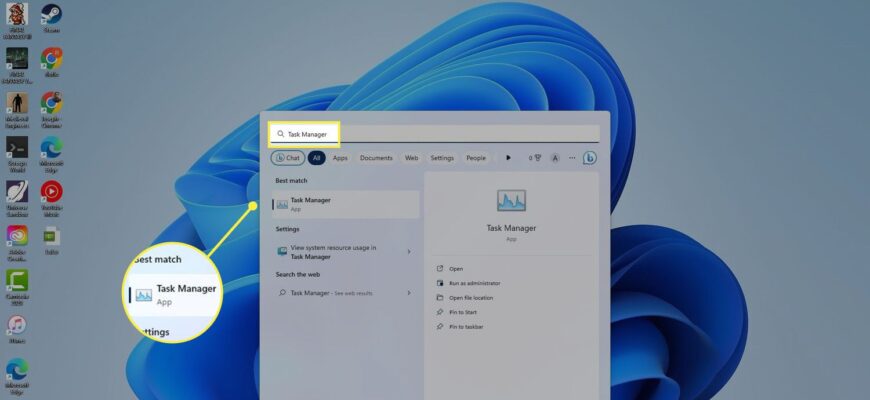
Press Ctrl + Shift + Esc to open Task Manager on Windows. You can also right-click the taskbar and choose Task Manager.
All the ways to open Task Manager
- Ctrl + Shift + Esc: opens it directly, the fastest way.
- Ctrl + Alt + Delete: choose Task Manager from the blue screen.
- Windows + X: the Power User menu, then Task Manager (Windows 10 and 11).
- Right-click the taskbar: choose Task Manager.
- Run box: press Windows + R, type taskmgr, and press Enter.
What you can do there
The Processes tab shows apps and their CPU, memory, disk, and network use. Select a frozen program and click End task to close it. The Performance tab shows live graphs, and the Startup tab lets you disable programs that slow boot time.


If it will not open

Task Manager can be disabled by a policy or malware. Try the Run box method, or run a security scan. On a Mac the equivalent is Activity Monitor, opened with Command + Space and then typing its name, and Force Quit is Option + Command + Esc.
Based on data from Microsoft Support documentation and Apple Support.