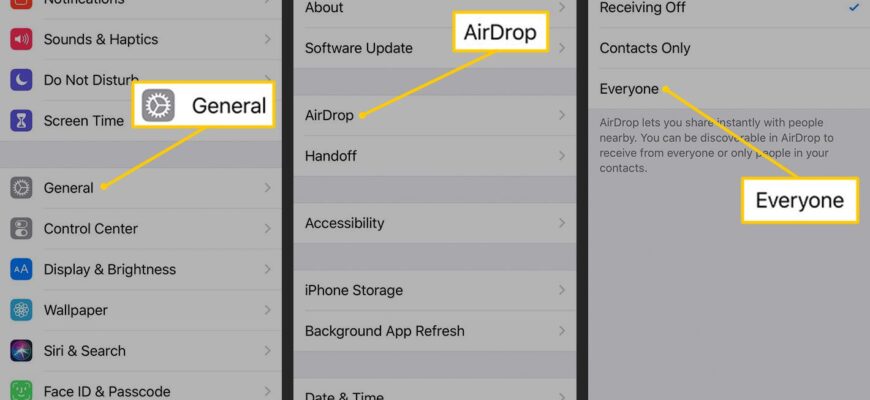
Turn on Wi-Fi and Bluetooth, open the share sheet on the item, tap AirDrop, and pick the nearby device. The receiver must allow AirDrop from Contacts or Everyone.
Steps to send
- Turn on Wi-Fi and Bluetooth on both devices.
- Open the file, photo or page, tap Share, and select AirDrop.
- Tap the name of the nearby device.
Receiving
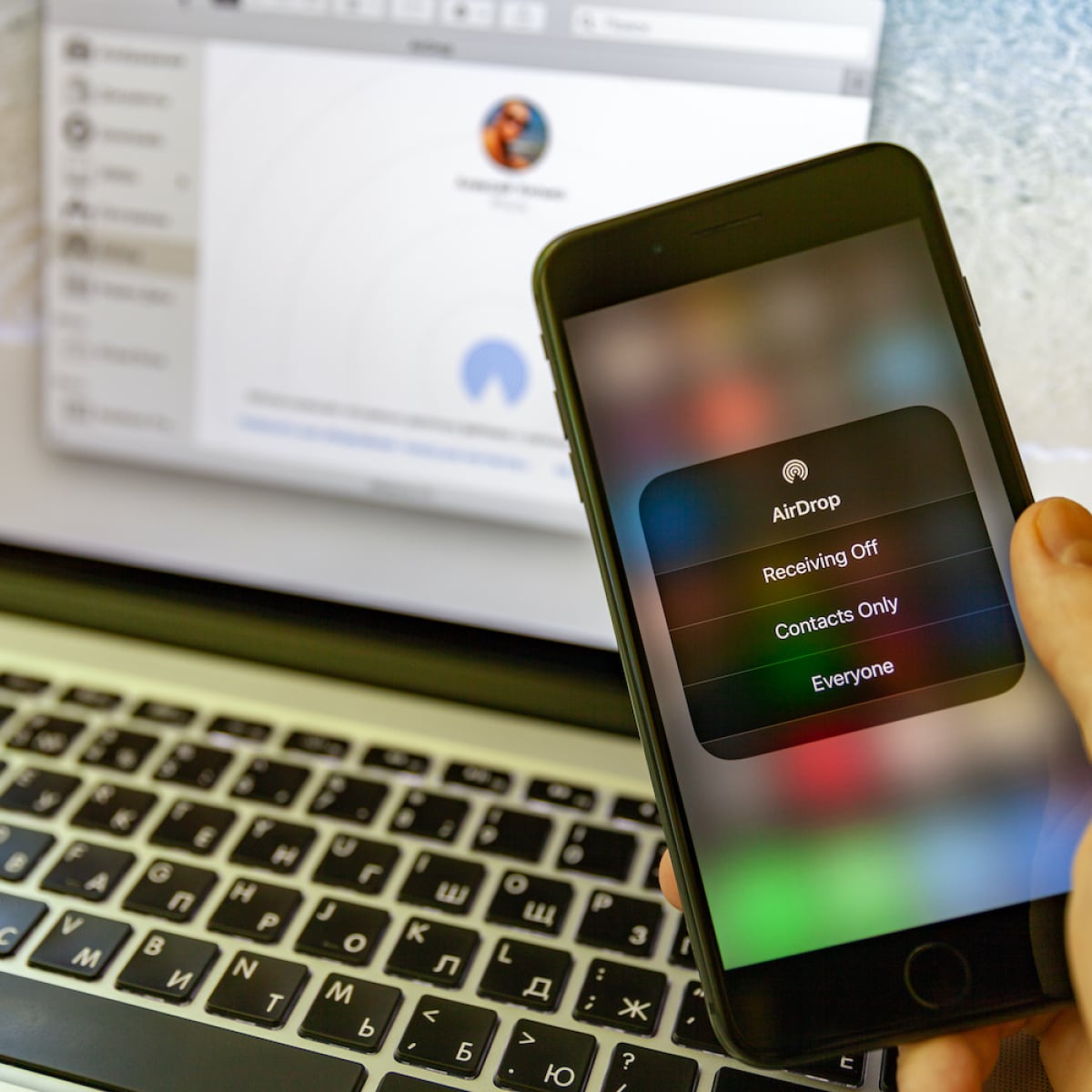
Open Control Center, press and hold the network box, tap AirDrop and choose Contacts Only or Everyone for 10 Minutes.

Requirements
iPhone 5 or later, iPad (4th gen) or later, or a Mac from 2012 or later with OS X Yosemite or later. Devices should be within roughly 30 feet (9 m).

Troubleshooting
Disable Personal Hotspot, restart the devices and check the receiving setting.
Based on data from Apple Support.