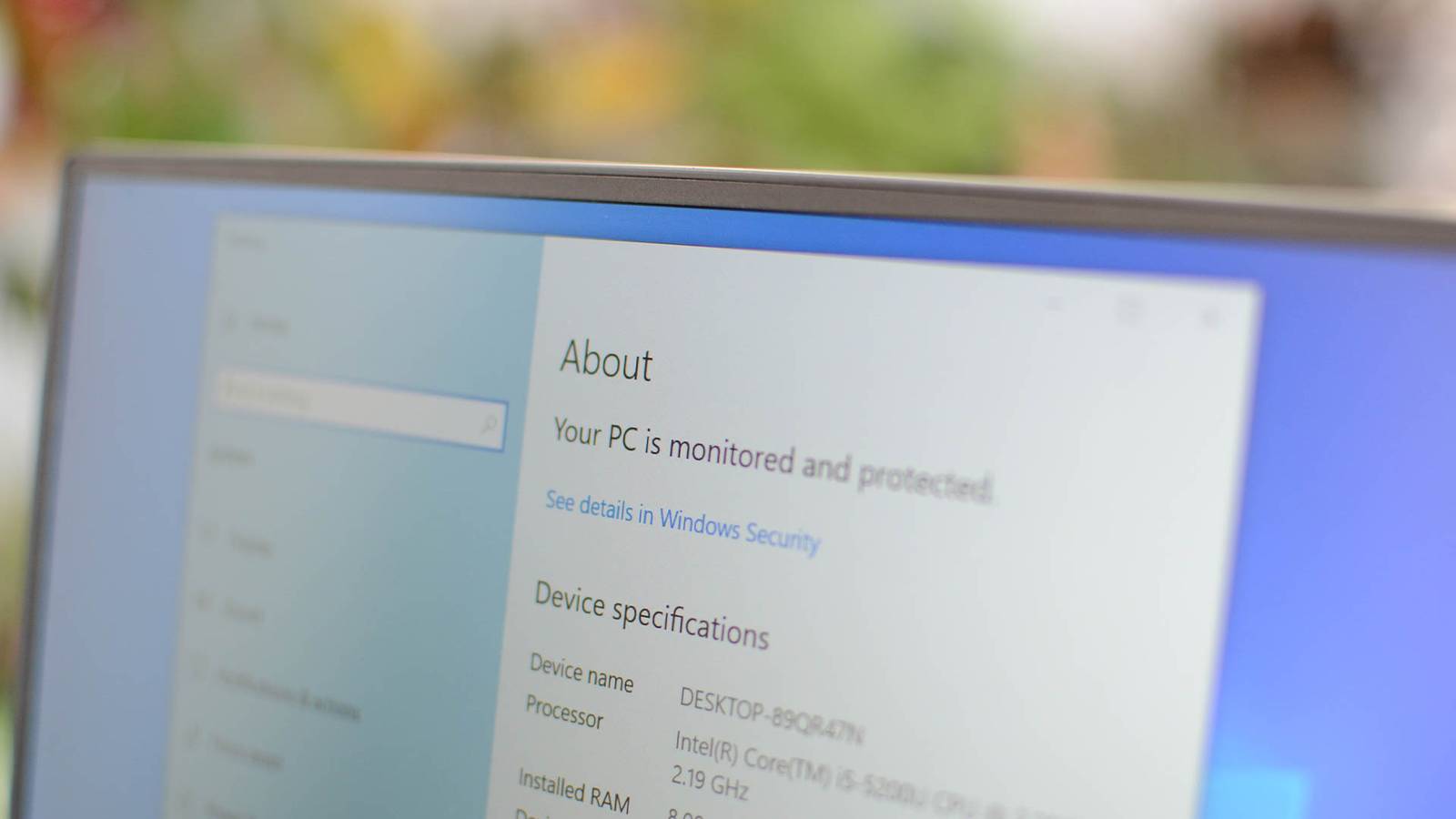
Press Windows + R, type winver, and press Enter to see your Windows version. You can also check Settings, System, About.
Quick method
Press Windows + R, type winver, and press Enter. A window shows the Windows version and build.
Other ways
- Settings, System, About.
- Open Command Prompt and type ver.
- Right-click Start, select System.
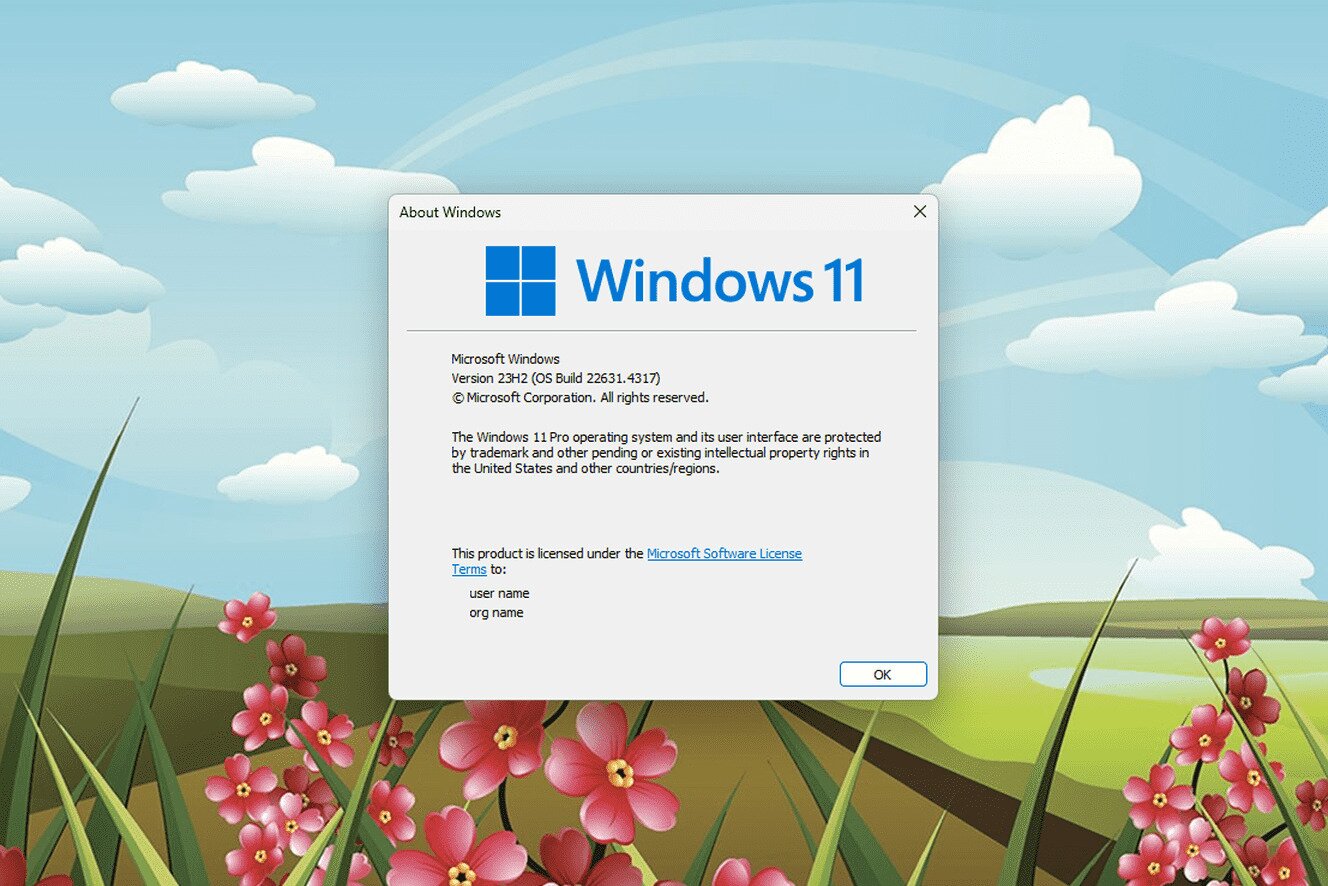
What to look for
- Edition: Home, Pro, or Enterprise.
- Version: such as 24H2 or 23H2.
- System type: 32-bit or 64-bit.

Support dates
Windows 10 support ended on October 14, 2025, and Windows 11 is the supported version.
Based on data from Microsoft Support and the Microsoft Lifecycle Policy.