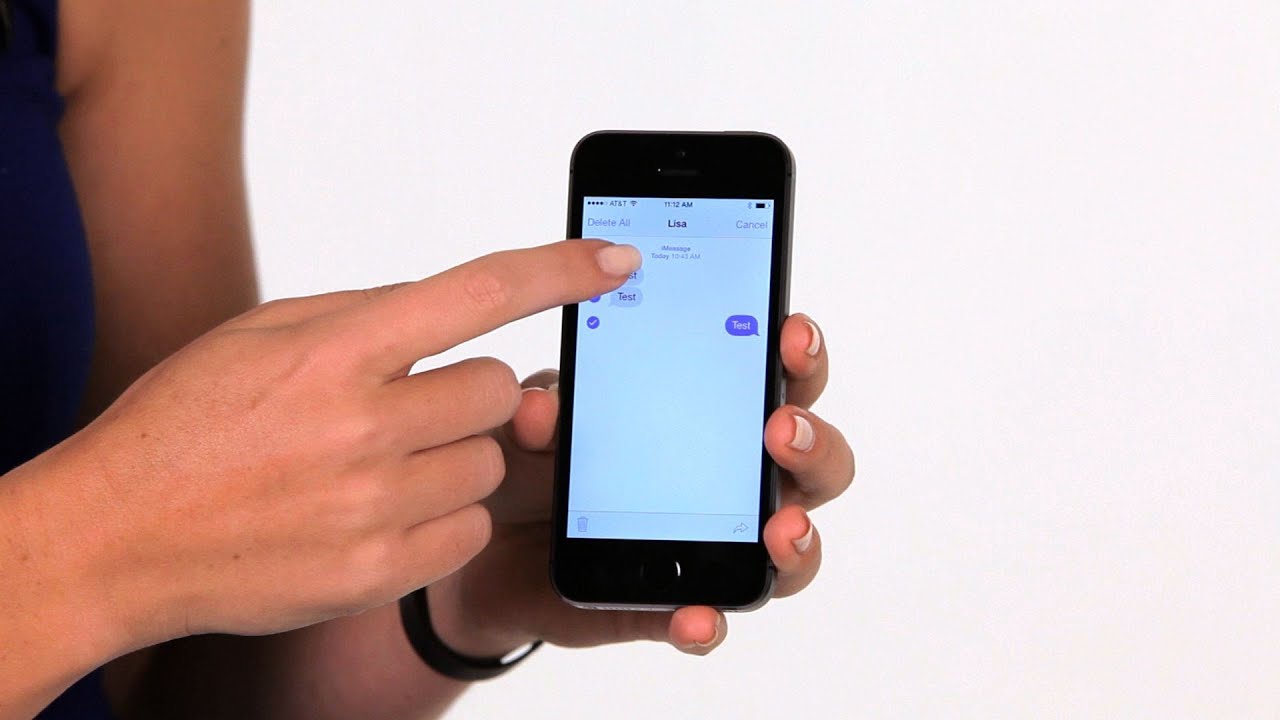
On iPhone, press and hold the message, tap More, tap the arrow icon, and choose a contact. On Android, long-press the message and tap Forward.
iPhone
Press and hold a message bubble, tap More, select the messages, tap the arrow in the bottom right, and enter a recipient.
Android (Google Messages)
Long press the message, tap the three dots, and choose Forward. Pick a contact and send.

Samsung Messages
Long press, select Forward, and choose the contact.
Tips

- Forwarded iMessages stay blue only if the recipient uses iMessage.
- Photos and videos forward as attachments.
- Do not forward sensitive information.
Alternative
You can also copy the text and paste it into a new message.
Based on data from Apple Support and Google Messages Help.