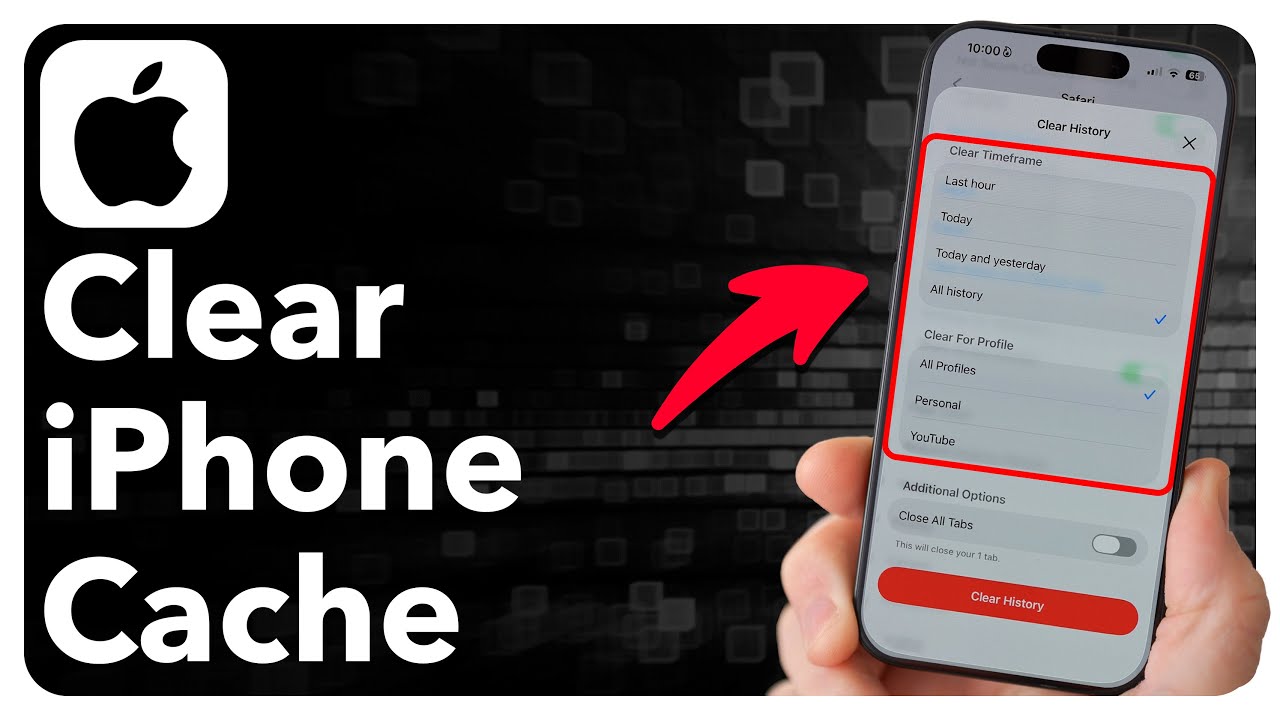
On iPhone, go to Settings, Safari, and tap Clear History and Website Data.
Steps for Safari
- Open Settings.
- Scroll to Safari.
- Tap Clear History and Website Data.
- Confirm.
Keep history
To clear cookies only, go to Settings, Safari, Advanced, Website Data, Remove All Website Data.

Chrome on iPhone
Tap the three dots, Settings, Privacy and Security, Clear Browsing Data.
Effects
You will be signed out of websites. AutoFill info stays.

Profiles
If you use Safari Profiles, clear per profile.
When to do it
Clear if pages are slow or not loading.
Based on data from Apple Support.