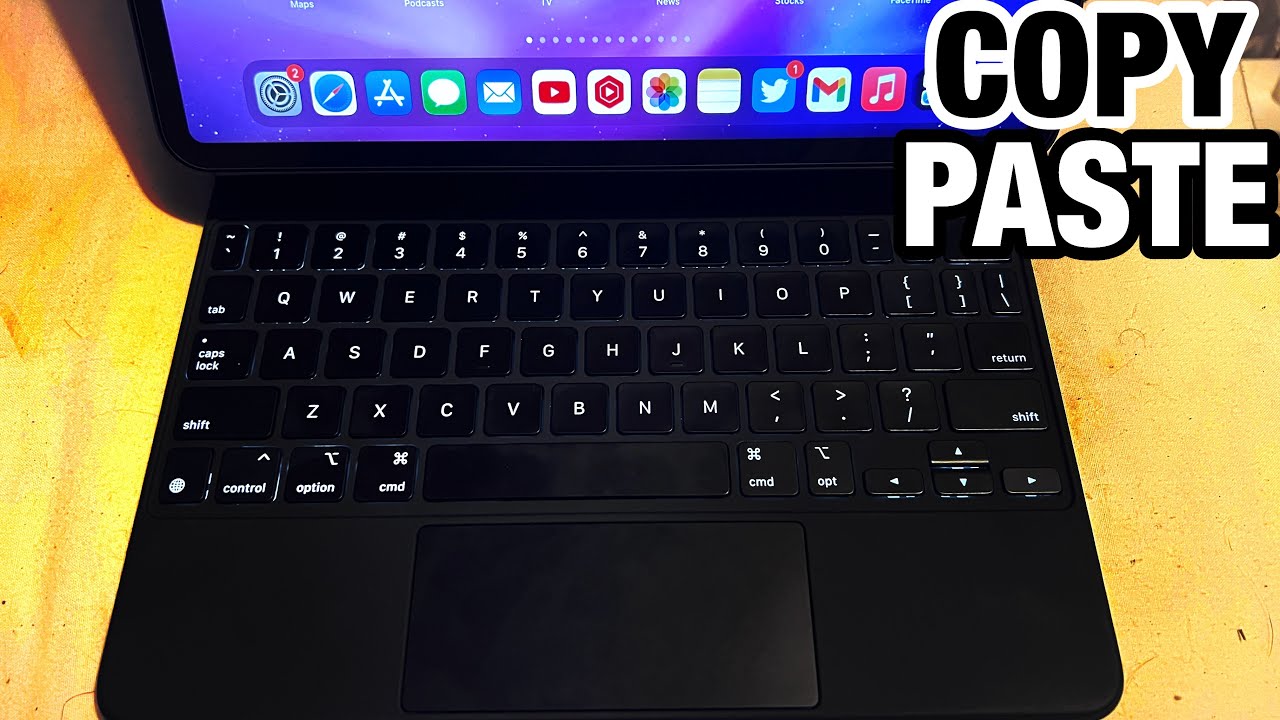
Press Ctrl + C to copy and Ctrl + V to paste. On a Mac, use Command + C and Command + V.
Windows and Linux
- Select the text or file.
- Press Ctrl + C to copy (or Ctrl + X to cut).
- Click the destination and press Ctrl + V.
Mac
Use Command + C, Command + X and Command + V.

Extras
- Ctrl + A or Command + A selects all.
- Ctrl + Z or Command + Z undoes.
- Windows key + V shows clipboard history.
Terminal

Many terminals use Ctrl + Shift + C and V.
Why C and V
C is for copy, and V is next to X, C and Z on the keyboard for easy reach.
Based on data from Microsoft Support and Apple Support.