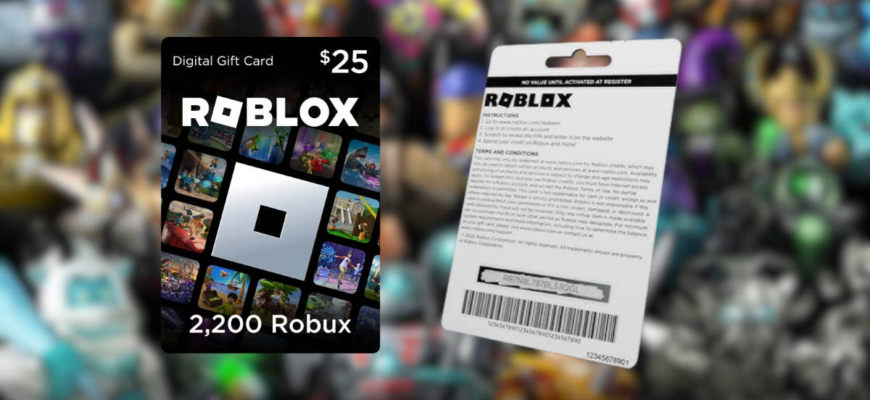
Go to roblox.com/redeem, log in, enter the PIN from your gift card, and click Redeem. The credit is added to your account.
Steps
- Open roblox.com/redeem in a browser and log in. You cannot redeem from the Roblox mobile app in most cases.
- Scratch the back of the card to reveal the PIN, and type it in without spaces.
- Select Redeem. The Robux or credit appears on your account.
Digital versus gift card credit
Cards labeled Roblox Gift Card add Robux, while some cards add Roblox Credit, which can be used for Robux or Premium.
Problems
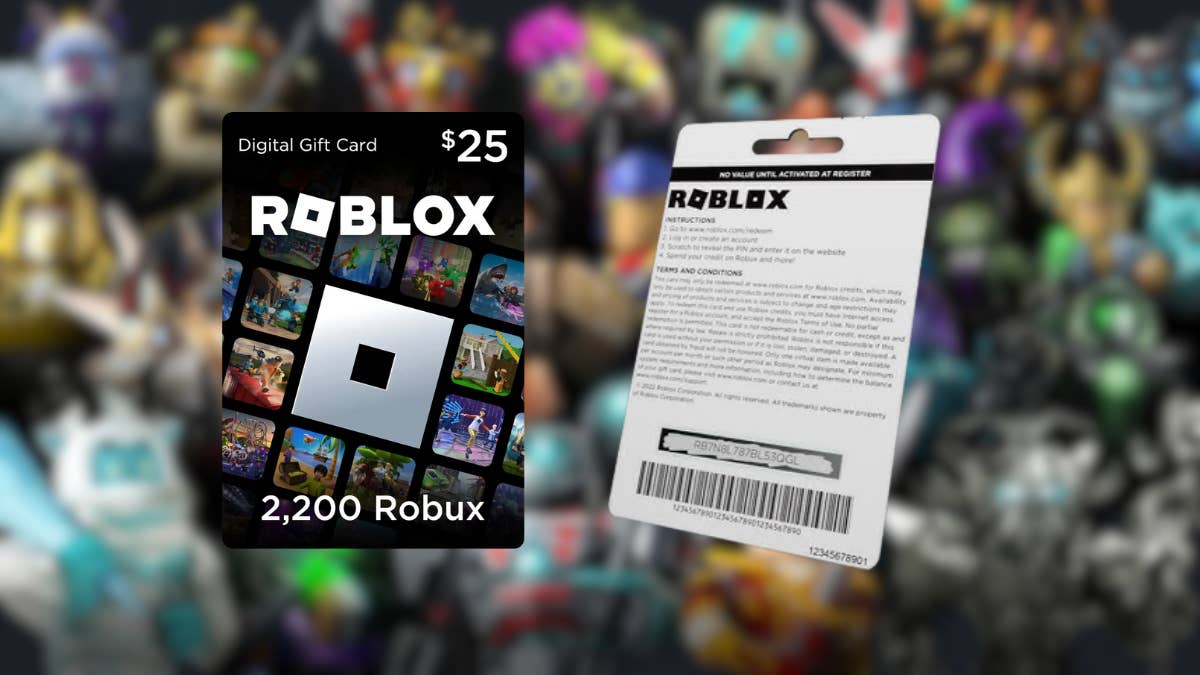
- If the code is invalid, check for typos such as 0 versus O.
- Do not buy cards from third party sellers or share the PIN. Scams are common.
- Cards bought in a different country may be region locked.


Support
Contact Roblox Support if the PIN is damaged or refused.
Based on data from Roblox Support.