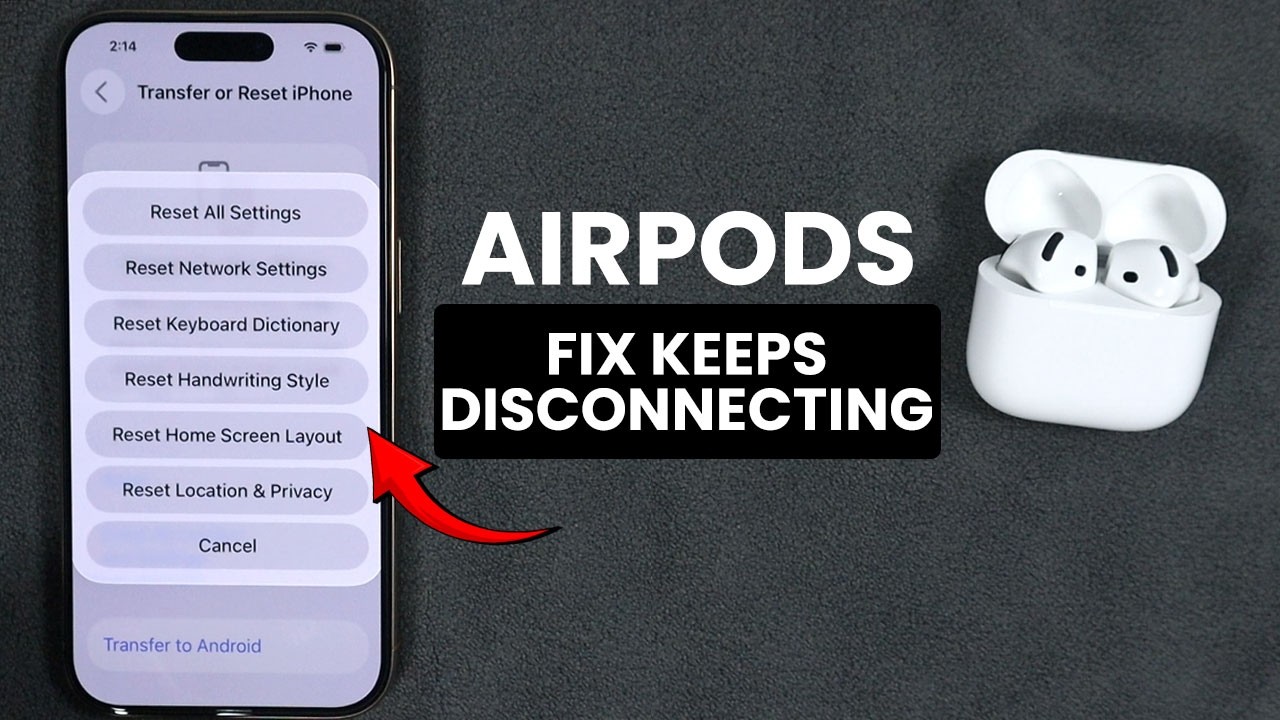
Update your AirPods firmware, charge them, reset them, remove interference, and re-pair them to your device.
Contents
Fixes
- Charge both AirPods and the case.
- Update firmware by placing them in the case, connected to your iPhone, near Wi-Fi.
- Update iOS.
- Turn Bluetooth off and on.
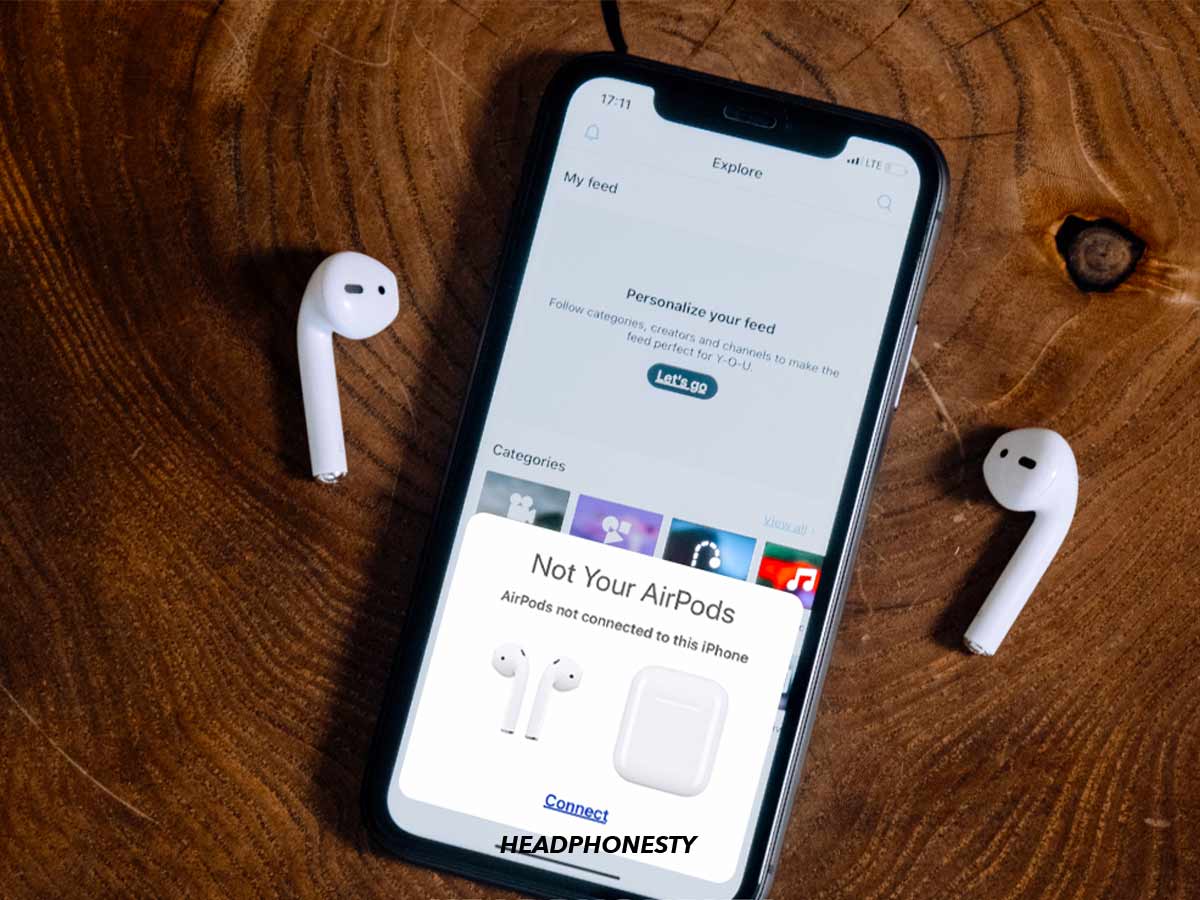
- Forget the AirPods in Settings, Bluetooth, tap (i), then pair again.
- Reset: hold the case button for 15 seconds until the light flashes amber, then white.
Interference
Move away from Wi-Fi routers, microwaves and crowded areas.

Check
Clean the AirPods and the case charging contacts.
If none work
Contact Apple Support. AirPods batteries degrade after around 2 to 3 years.
Based on data from Apple Support.