To update drivers on Windows, open Device Manager, right-click the device, choose Update driver, or run Windows Update or download drivers from the manufacturer’s site.
On Windows
- Right-click Start and open Device Manager.
- Expand the category, right-click the device and select Update driver.
- Choose Search automatically for drivers.
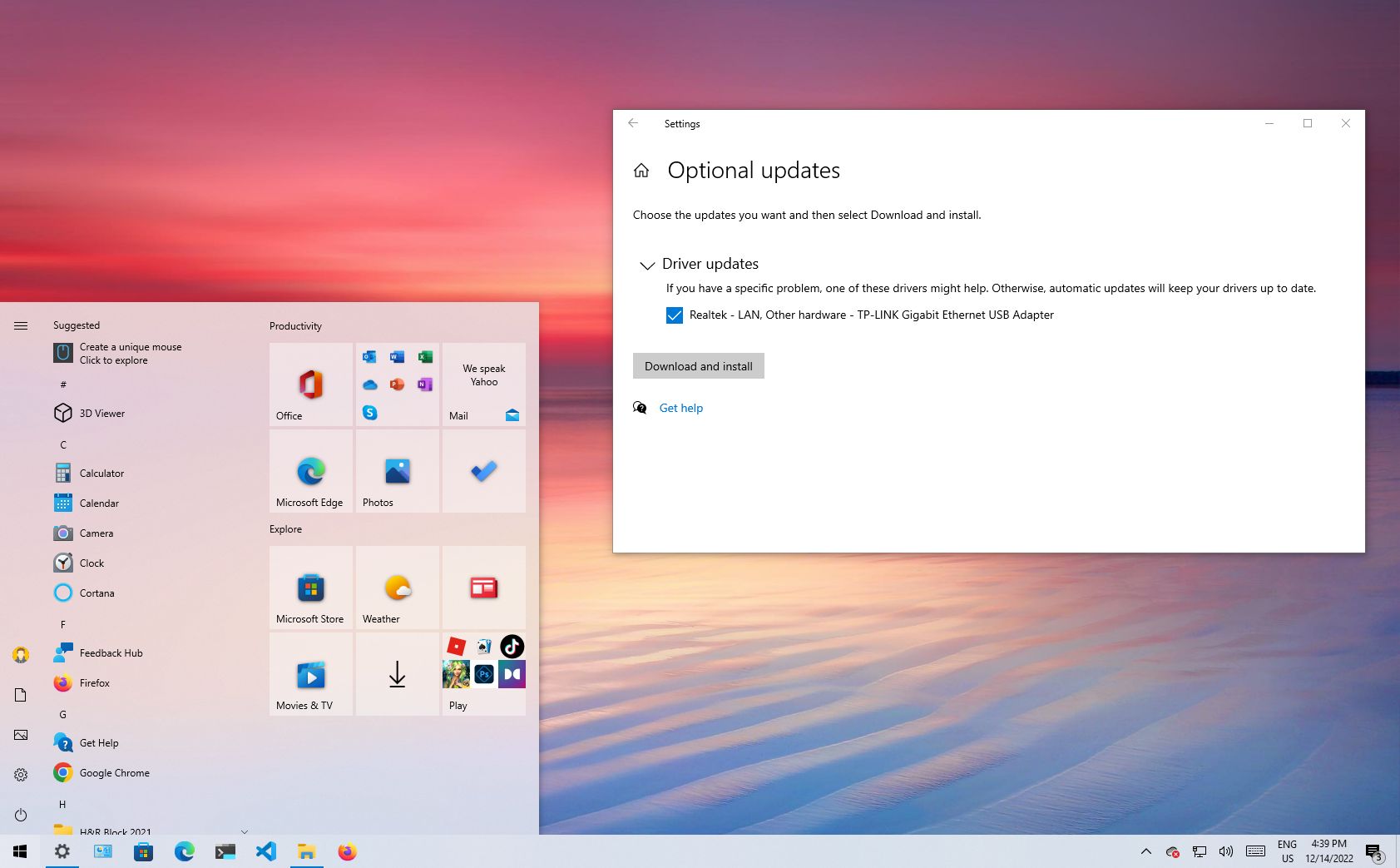
- Check Windows Update, Advanced options, Optional updates for more.
Manufacturer drivers
For graphics, download from NVIDIA, AMD or Intel directly, or use their apps (NVIDIA App, AMD Software, Intel Driver and Support Assistant).

On a Mac
macOS includes drivers in system updates. Go to System Settings, General, Software Update.

Safety
Only download from the maker’s site. Create a restore point first in case something goes wrong.
Based on data from Microsoft Support and Apple Support.