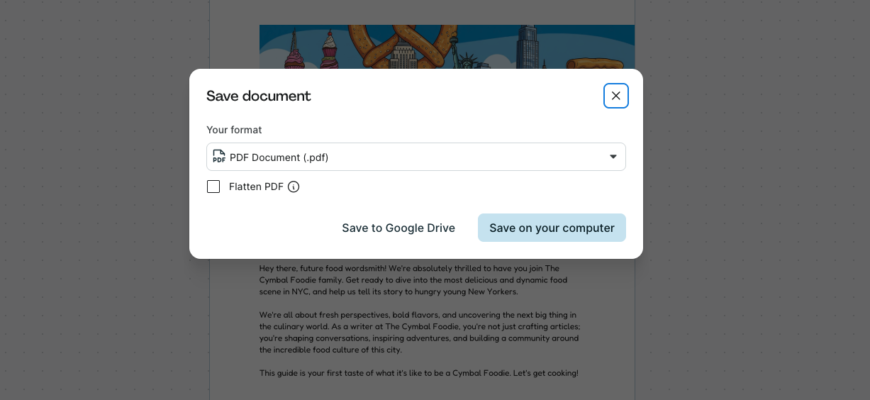
In Google Docs, click File, Download, then PDF Document (.pdf).
Steps
- Open the document in Google Docs.
- Click File.
- Choose Download.
- Select PDF Document (.pdf).
On a phone
Tap the three dots, Share and export, Save as, PDF Document.
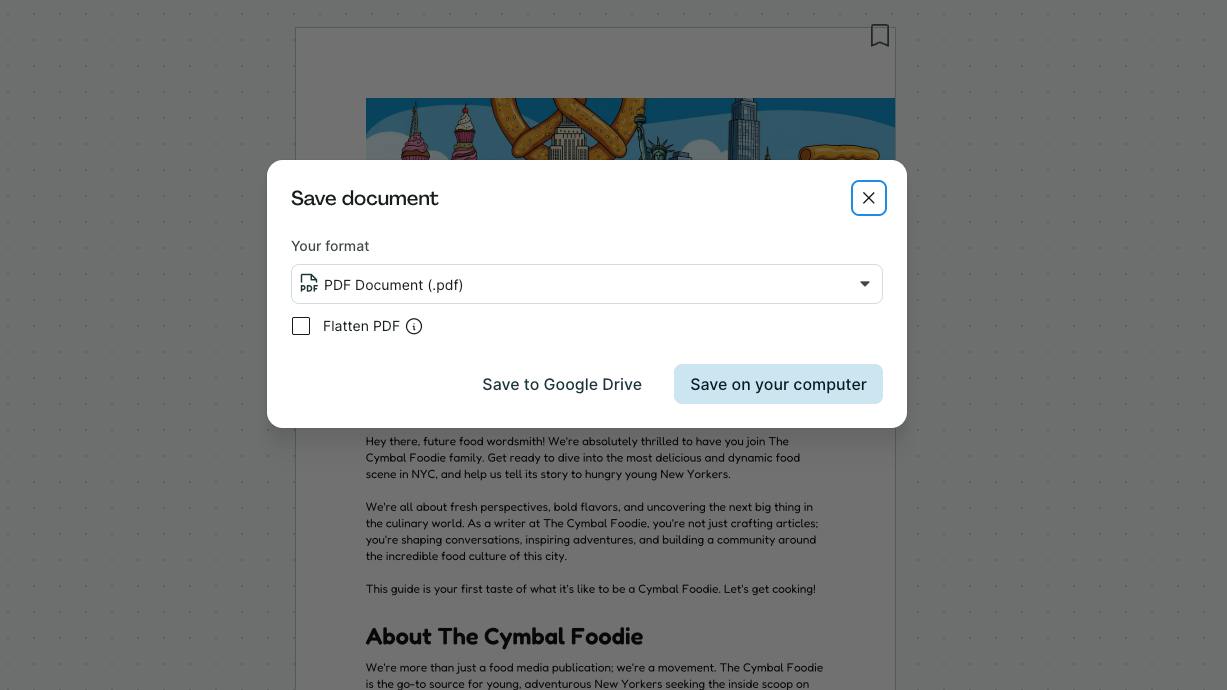
Save to Drive
Use File, Print, and choose Save to Google Drive as the destination in Chrome.
Tips
Check page breaks and fonts before exporting. Links and headings are kept.
Also available
Word (.docx), plain text and ePub.
Password
Google Docs can’t protect PDFs. Use another tool.
Based on data from Google Docs Help.