If an iPad won’t charge, try a different cable and adapter, clean the charging port, restart it, and contact Apple Support if it still won’t charge.
Contents
Fixes
- Try another cable and a wall adapter. A damaged Lightning or USB-C cable is the most common cause.
- Clean the port gently with a wooden or plastic toothpick (lint builds up).
- Use a 10 W, 12 W or higher adapter, not a computer USB port.
- Restart: hold the top and volume buttons, then slide to power off.
- Force restart.
- Update iPadOS if possible.
Check
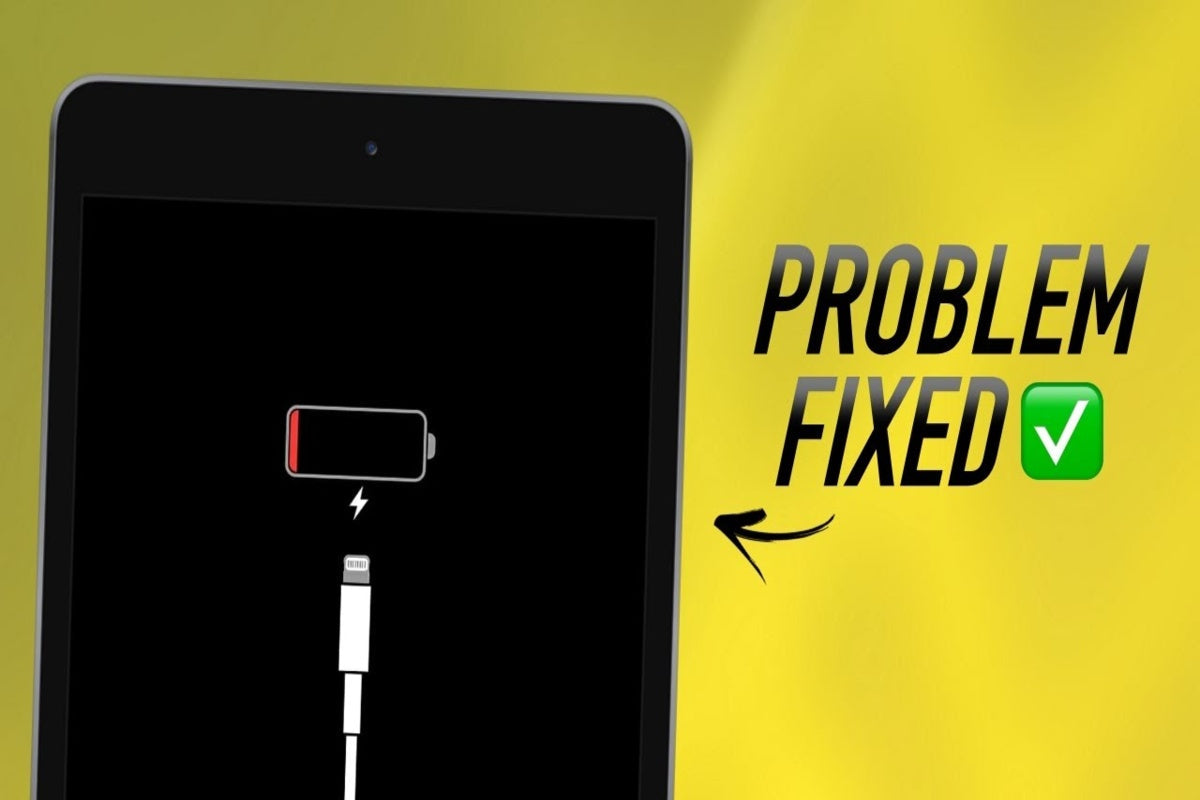
Look for a charging icon. A dead battery can take 10 to 30 minutes before showing it.
Battery health
iPad batteries wear after a few years.

Get help
Contact Apple Support if the iPad still won’t charge.
Based on data from Apple Support.