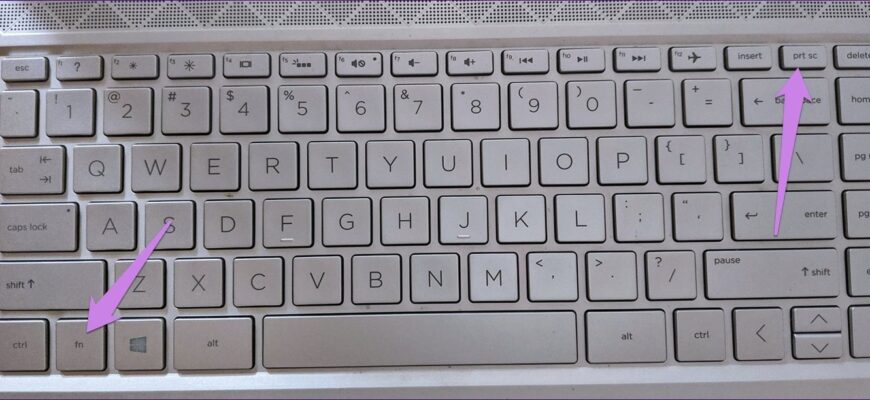
On an HP laptop, press Windows + PrtScn to save a full-screen screenshot, or Windows + Shift + S to select an area.
Methods on HP laptops
- Windows + PrtScn: saves the whole screen to Pictures, then Screenshots.
- PrtScn alone: copies to the clipboard so you can paste it into Paint or Word.
- Windows + Shift + S: opens Snip & Sketch (Snipping Tool) to capture a selected area.
- Alt + PrtScn: captures only the active window.
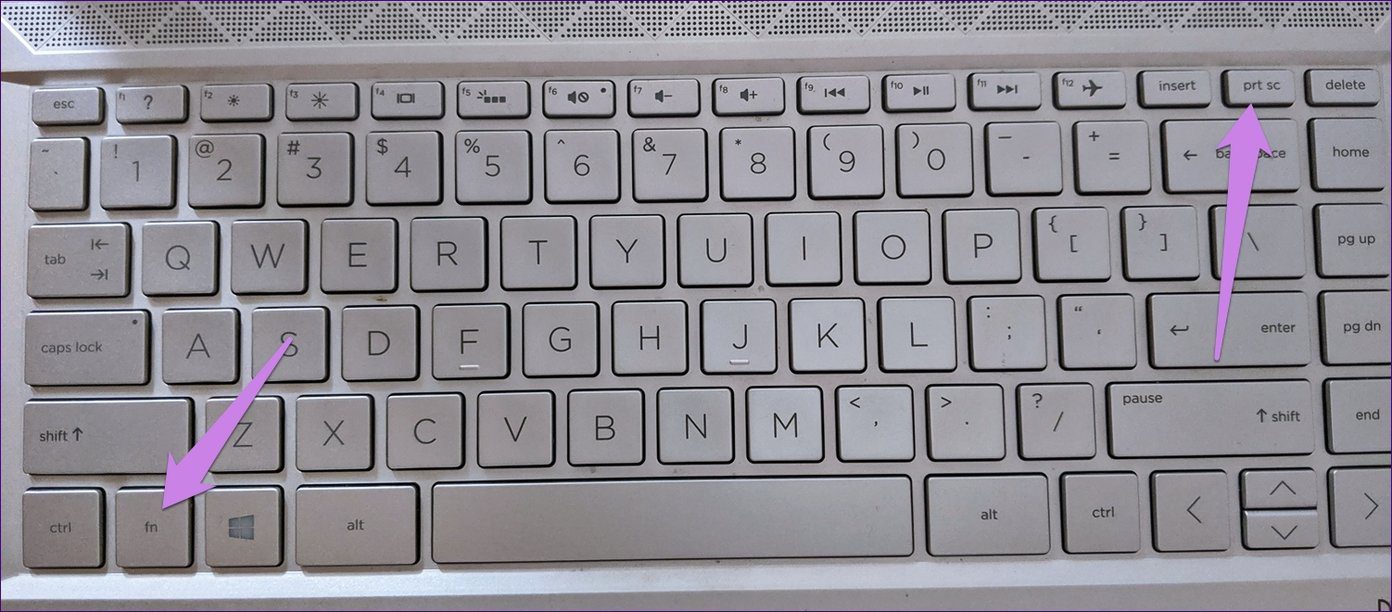
- Fn + PrtScn: needed on some HP models where PrtScn is a secondary key.
Where files go
Screenshots are saved in Pictures, Screenshots.
Snipping Tool
Search “Snipping Tool” in Start for delays, annotations, and video recording on Windows 11.
Chromebook
On HP Chromebooks press Ctrl + the window switcher key.
Based on data from HP Support and Microsoft Support.