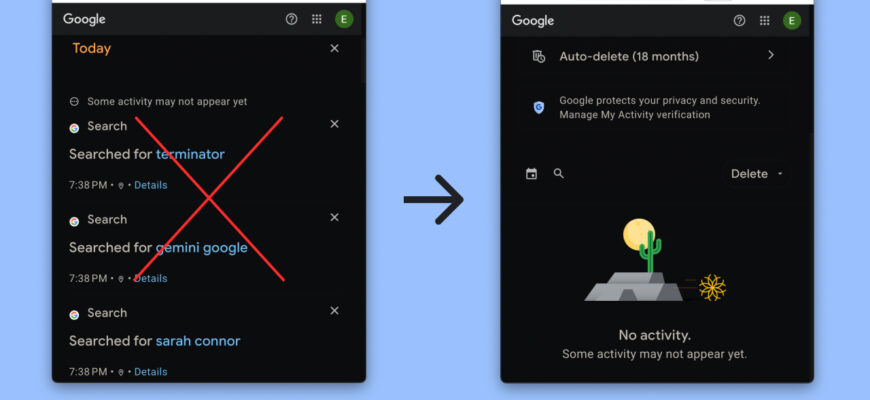
In most browsers, press Ctrl + Shift + Delete, choose the time range and Browsing history, and click Clear data.
Browsers on a computer
- Press Ctrl + Shift + Delete (Command + Shift + Delete on Mac).
- Select the time range.
- Check Browsing history.
- Click Clear data.
Mobile
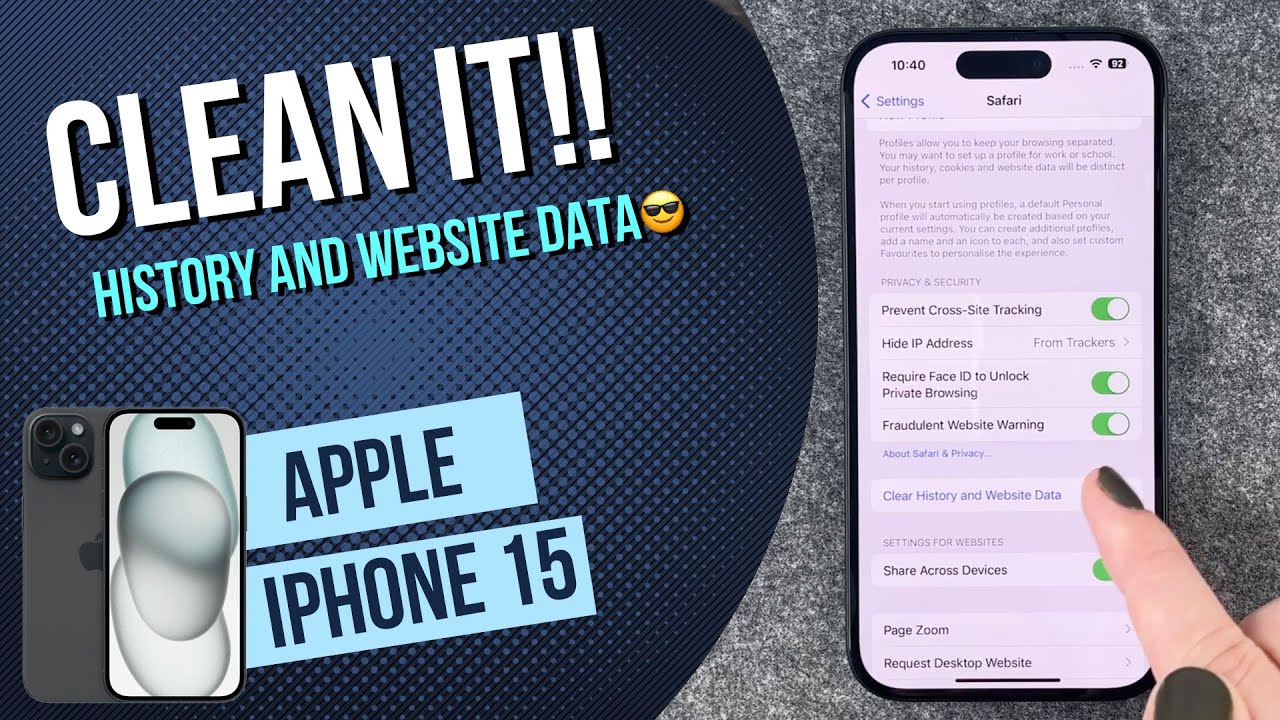
Chrome app: three dots, History, Clear browsing data. Safari on iPhone: Settings, Safari, Clear History and Website Data.

Private mode
Use Incognito or Private browsing so history isn’t saved.
What stays
Your ISP, employer or school network may still record visits. Account activity at Google may remain; delete at myactivity.google.com.

Auto-delete
Google lets you set auto-delete for activity after 3, 18 or 36 months.
Tip
Clearing history signs out only if cookies are cleared.
Based on data from Google Chrome Help and Apple Support.