Press Windows + R, type winver, and press Enter to see your Windows version. You can also check Settings, System, About.
Quick method
Press Windows key + R, type winver and press Enter. A box shows the version, build and edition.
Settings
Go to Settings, System, About. Look under Windows specifications for Edition, Version and OS build.
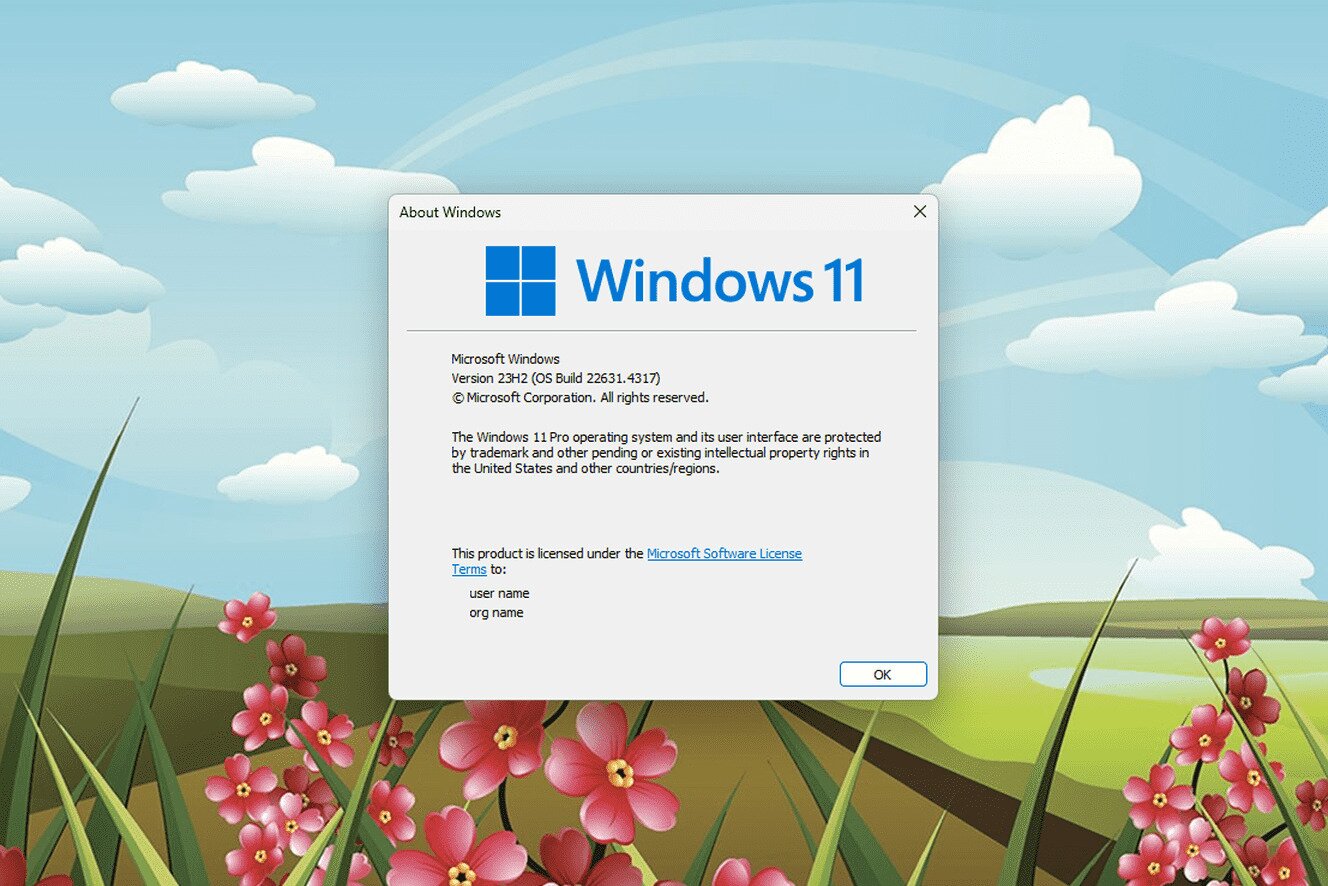
System info
Type msinfo32 in the Start search for more detail.
Versions
Windows 10 support ends on October 14, 2025. Windows 11 launched in October 2021.

Bit type
About shows whether it is 32-bit or 64-bit.

Updates
Check Settings, Windows Update.
Based on data from Microsoft Support.