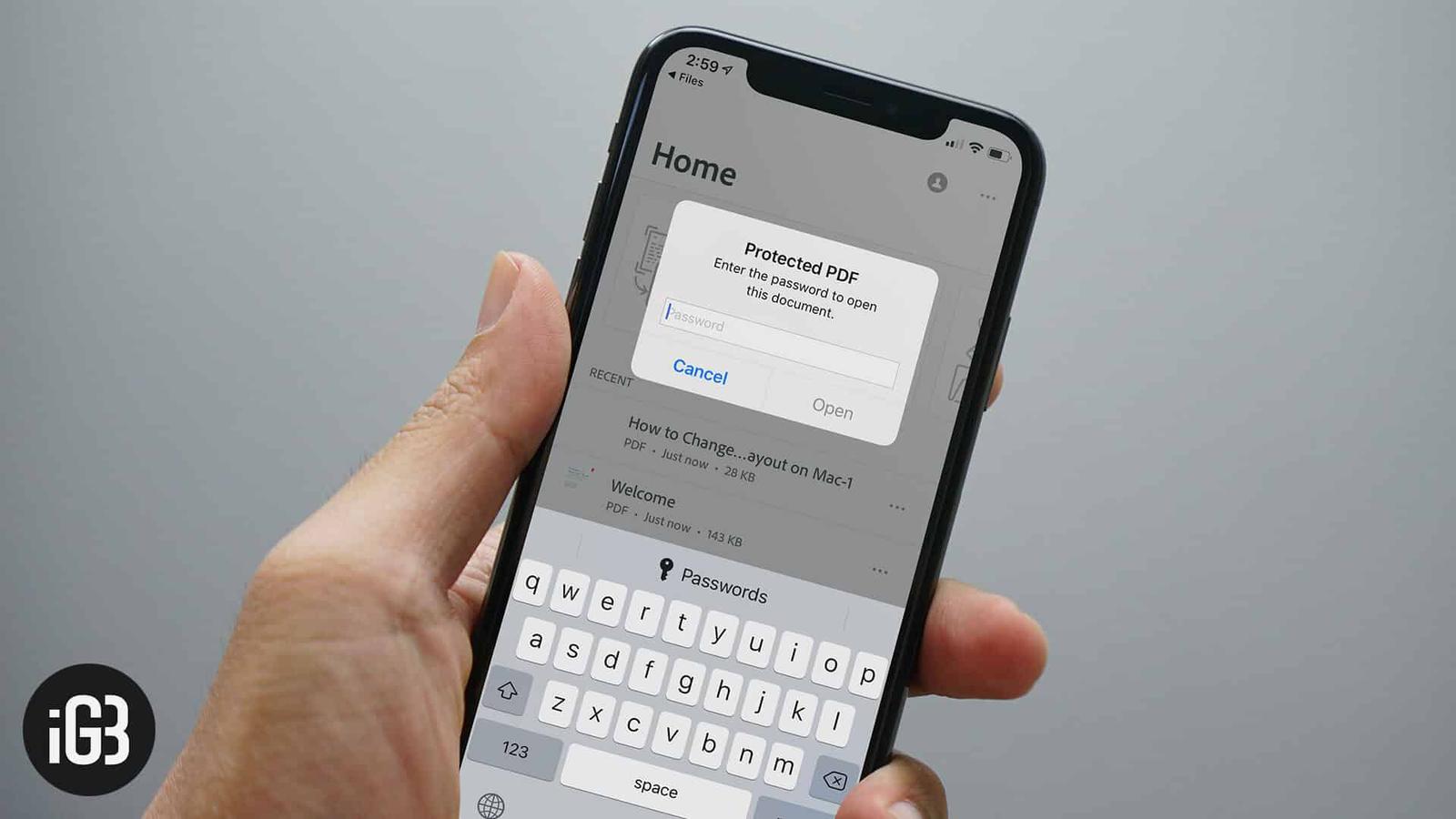
In Adobe Acrobat choose Tools, Protect, Encrypt with Password. On a Mac, use Preview and choose File, Export, then check Encrypt.
Adobe Acrobat
- Open the PDF.
- Choose Tools, Protect, Encrypt with Password (or File, Protect Using Password).
- Set a password to open.
- Save.
Mac Preview
- Open the PDF in Preview.
- Choose File, Export.
- Check Encrypt and enter a password.
- Save.
Microsoft Word
Save As, choose PDF, Options, Encrypt the document with a password.
Google Docs
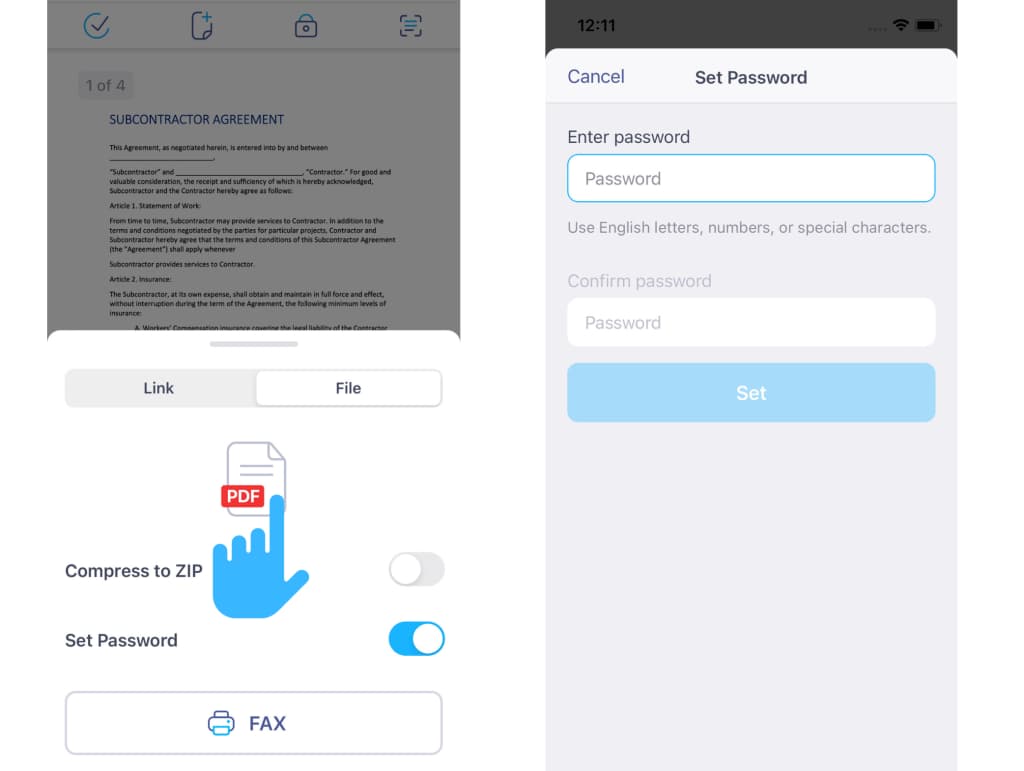
No built-in option. Use a tool like Acrobat.
Tips
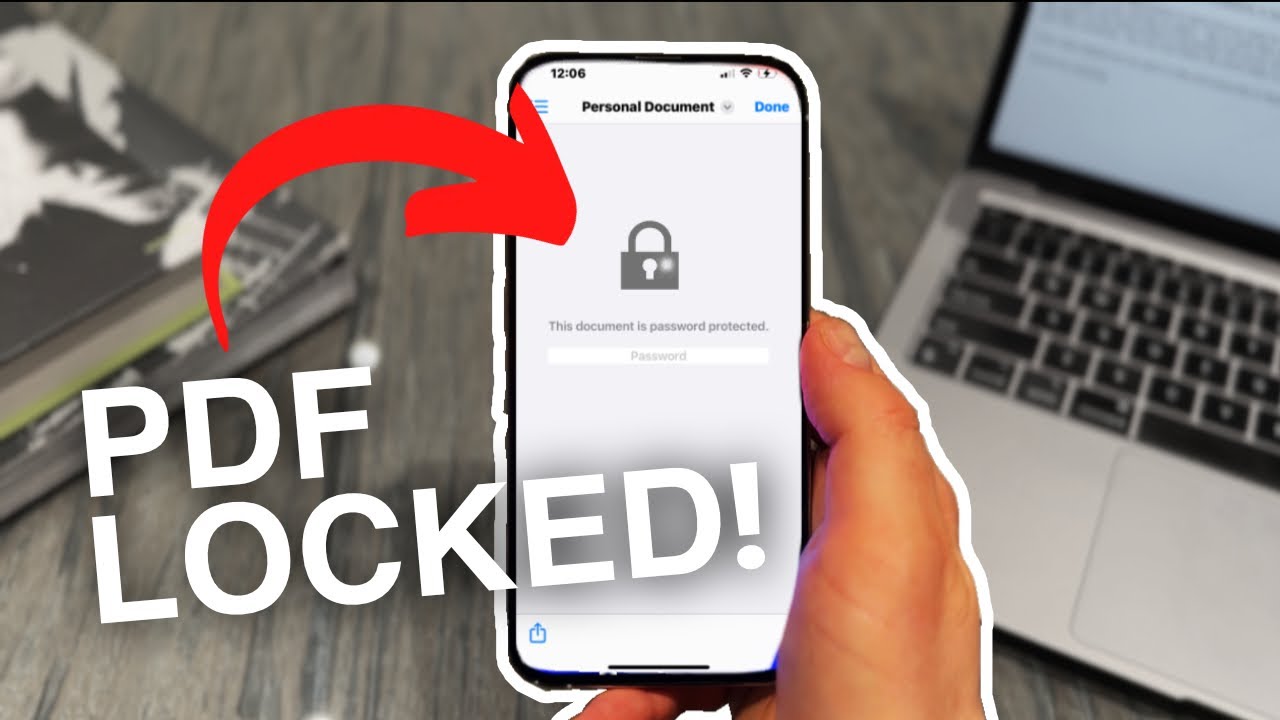
Use a strong password. If you forget it, the file is hard to recover. Use AES-256 encryption.
Based on data from Adobe Support and Apple Support.