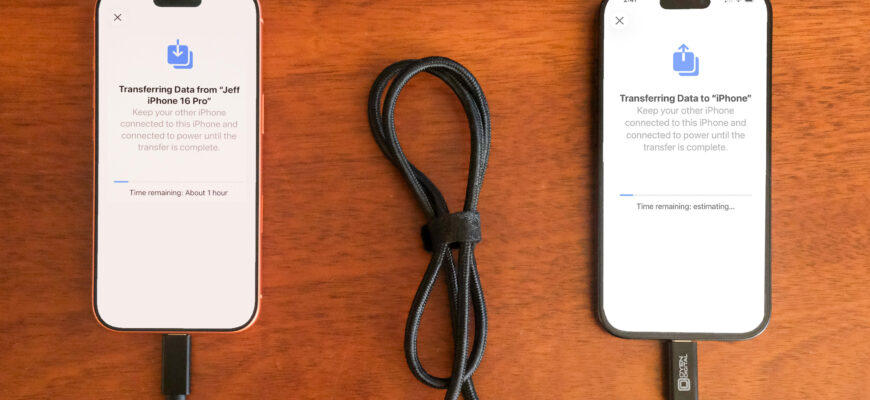
Use Quick Start by holding the old and new iPhones together during setup, or restore the new iPhone from an iCloud or computer backup.
Option 1: Quick Start
- Turn on both iPhones and place them close together.
- On the new iPhone, follow the prompt to use your Apple ID.
- Scan the animation with the old iPhone camera.
- Choose Transfer from iPhone to move data directly.
Both devices need iOS 12.4 or later for direct transfer.
Option 2: iCloud backup

- On the old iPhone: Settings, your name, iCloud, iCloud Backup, Back Up Now.
- On the new iPhone, choose Restore from iCloud Backup.
Option 3: Computer
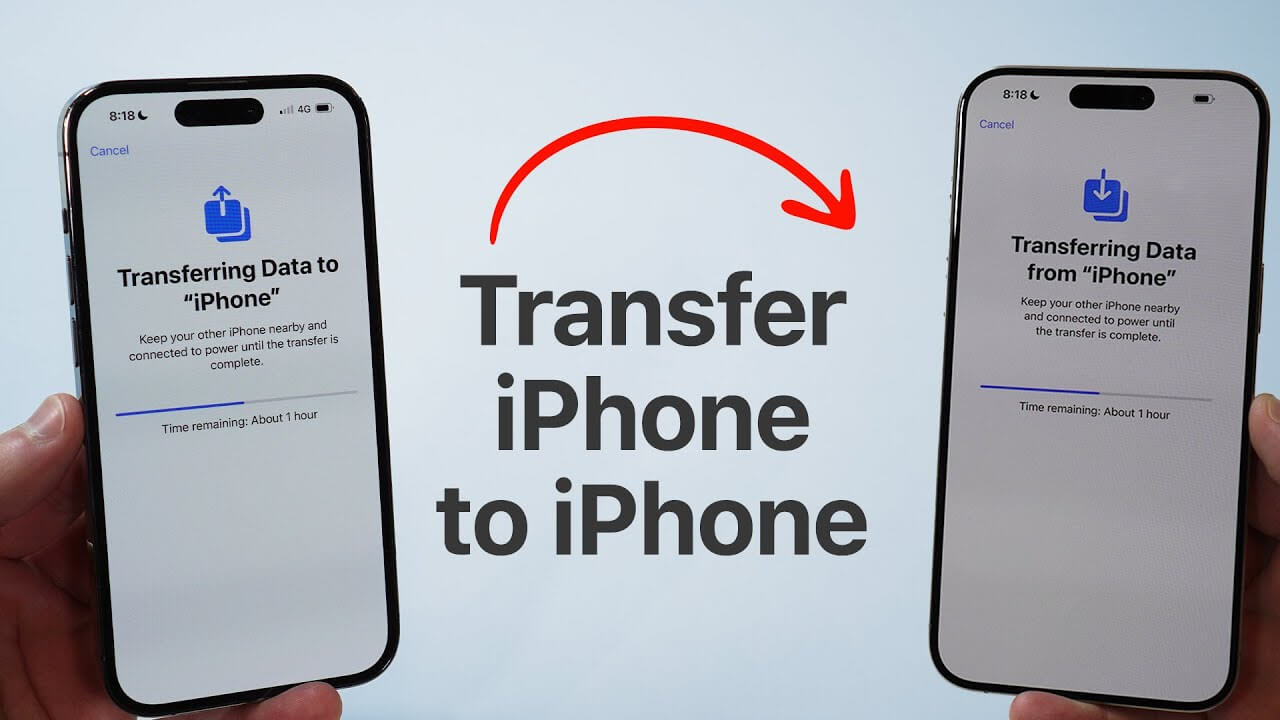
Back up with Finder (Mac) or the Apple Devices app (Windows), then restore on the new iPhone.

Tips
Keep both phones on Wi-Fi and plugged in. Eject your SIM or eSIM carefully.
Based on data from Apple Support.