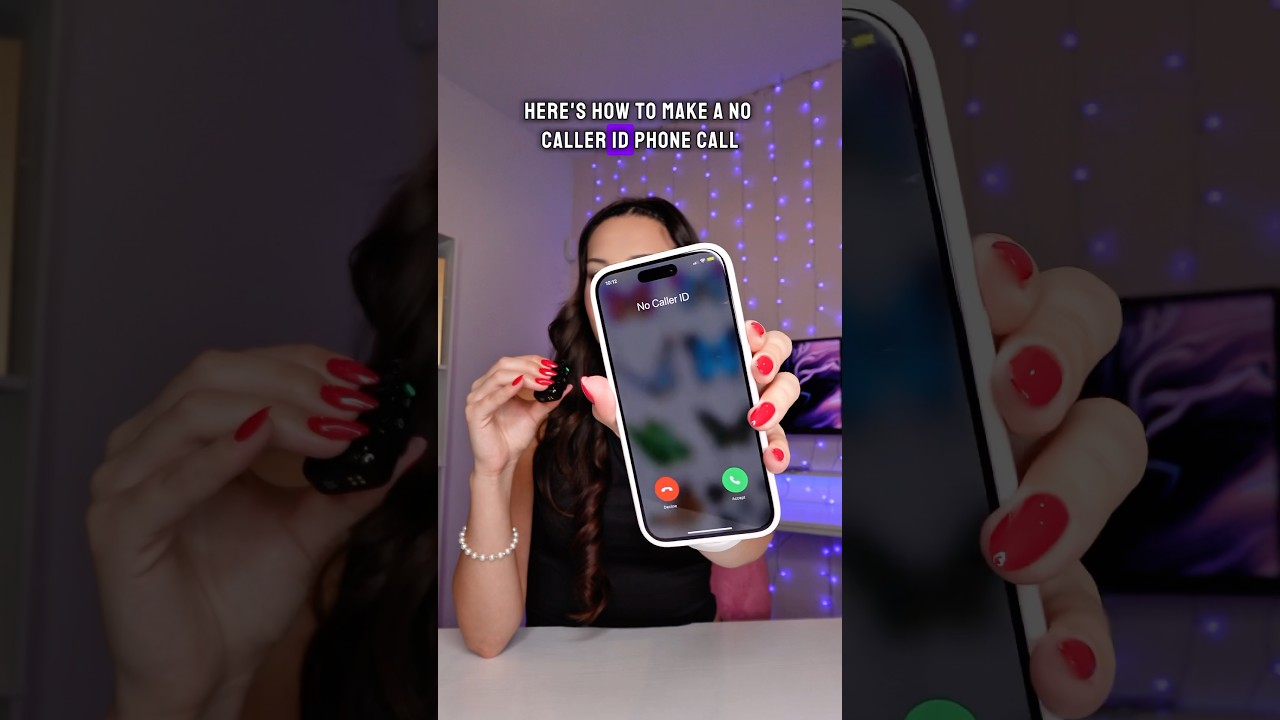
Dial *67 before the number to hide your caller ID in the US, or turn off “Show My Caller ID” in your phone settings.
Contents
Methods
- One call: dial *67 before the number.
- iPhone: Settings, Phone, Show My Caller ID, turn off. This depends on the carrier.
- Android: Phone app, Settings, Supplementary services, Caller ID, Hide number.
Limits
*67 may not work for toll-free numbers or 911, and the recipient’s carrier or emergency services can see your number.

Outside the US
In the UK dial 141 first. In many countries the code differs.
Based on data from the Federal Communications Commission and carrier support guides.