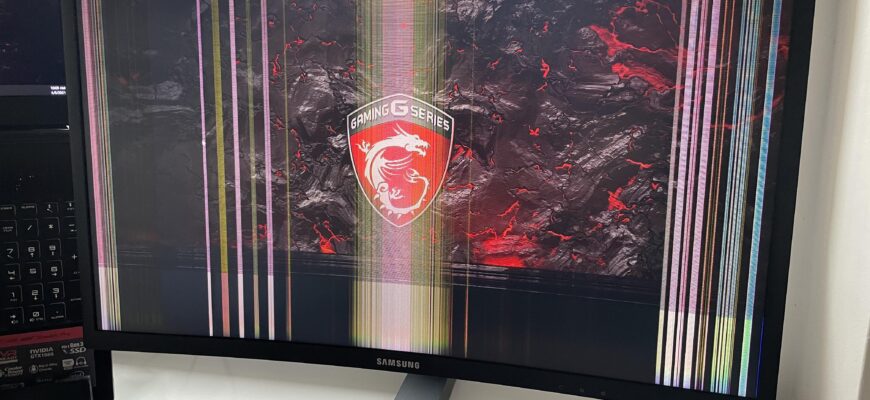
A flickering PC screen is usually caused by a loose cable, wrong refresh rate, outdated graphics driver, or a faulty monitor.
Contents
Common causes
- Loose or damaged cable (HDMI, DisplayPort).
- Wrong refresh rate.
- Outdated or corrupt graphics driver.
- Faulty monitor or power source.
- Nearby electrical interference.
Fixes
- Reseat or replace the cable.
- Right-click desktop, Display settings, Advanced display, and set the refresh rate (60 Hz or the monitor’s rate).
- Update the graphics driver.
- Test with another monitor or PC.
- Disable Windows apps causing flicker (Task Manager test).
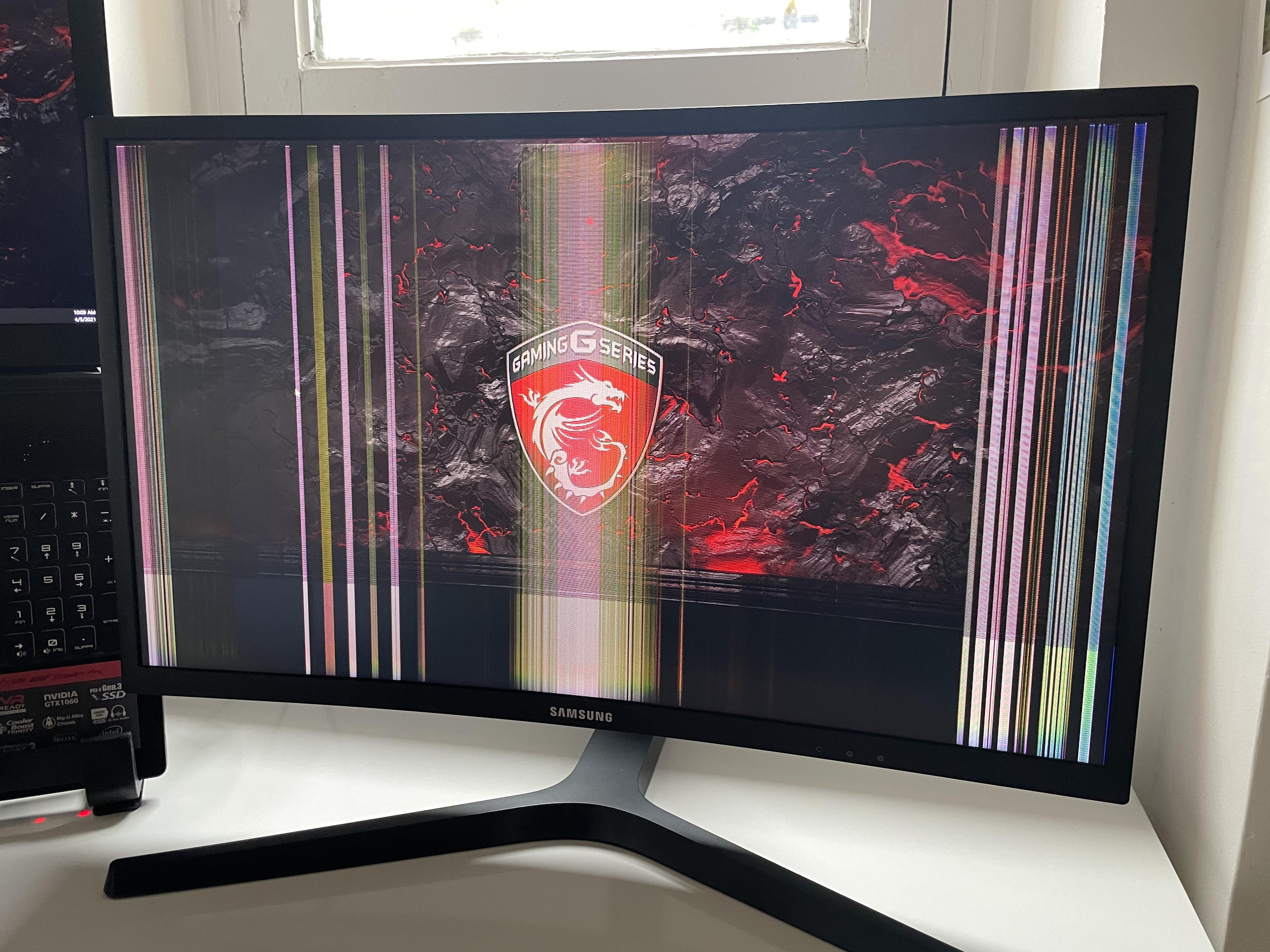
Hardware
If the screen flickers in BIOS, the display or GPU is likely faulty.


Tip
Turn off adaptive sync features if they cause flicker.
Based on data from Microsoft Support and monitor manufacturers.