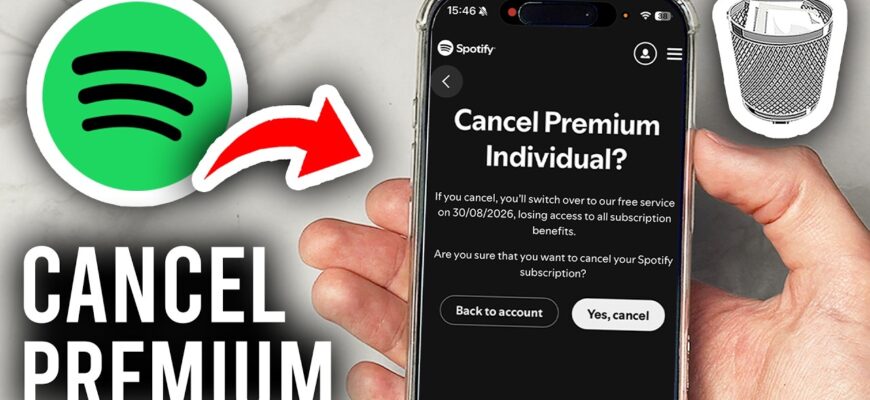
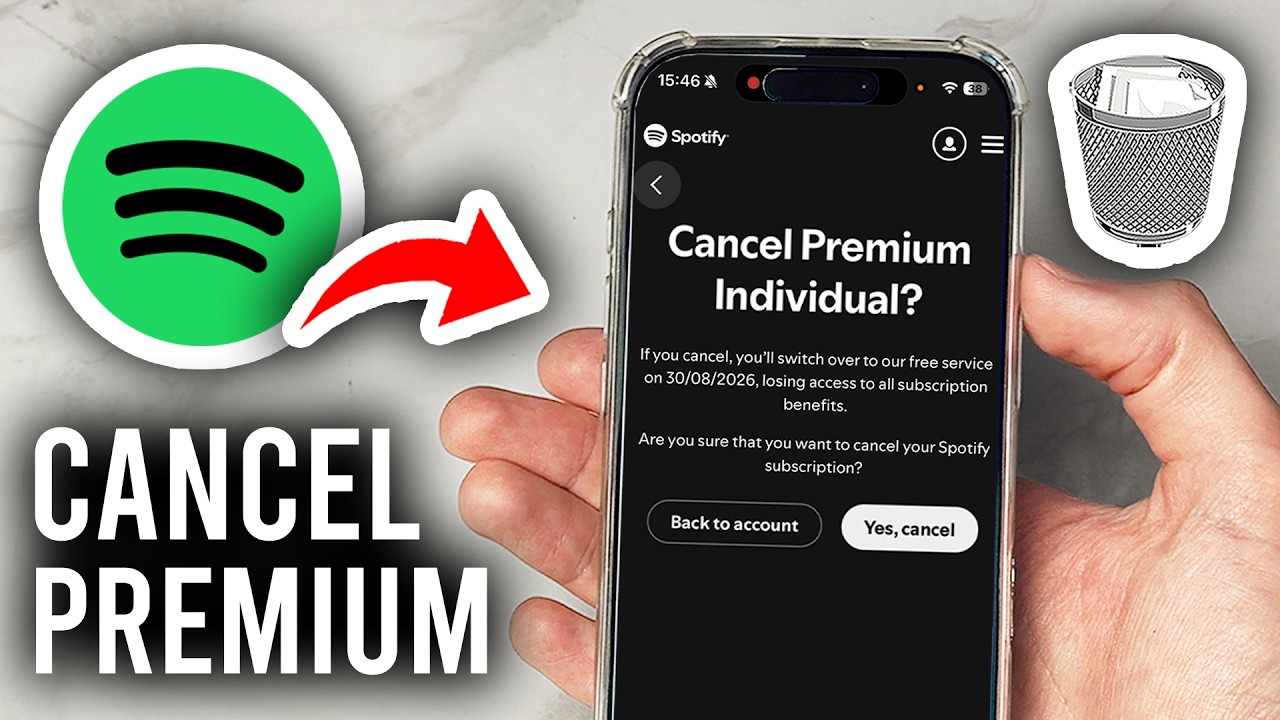
Log in at spotify.com/account, open Manage your plan, and choose Cancel Premium.
Steps
- Log in at spotify.com/account in a browser (the app doesn’t have a cancel button).
- Click Manage your plan.
- Click Cancel Premium.
- Follow the prompts and confirm.
What happens
You keep Premium until the end of the billing period, then your account moves to Free.
If you pay through Apple, Google or a partner
Cancel there, such as in iPhone Settings, Subscriptions.
Data
Playlists and saved music remain on the free account.
Delete account
Contact support or use the account closure page, which is permanent after a waiting period.
Refund
Spotify typically doesn’t refund partial months.
Based on data from Spotify Support.