To delete your Amazon account, sign in, open the Help section, and use the “Close Your Amazon Account” page, then confirm. Closing it is permanent and removes your order history and digital content.
Contents
Steps
- Sign in at amazon.com.
- Open Help, then search for “Close Your Amazon Account.”
- Read the notice and select the reasons.
- Confirm via the emailed link or code.
Before you close
- Download your order history and digital content.
- Cancel Prime, Audible, and other subscriptions.
- Note that gift card balances and Kindle books are lost.


What happens
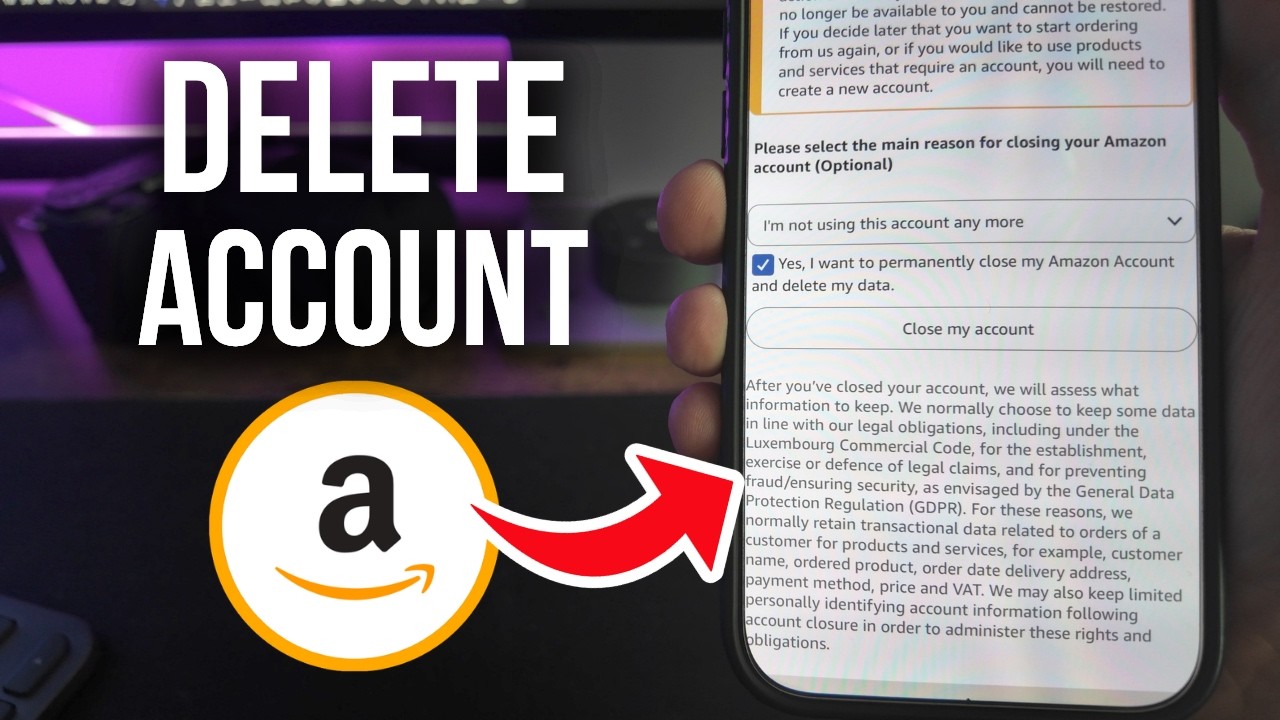
Account deletion is permanent. Amazon may keep some data for legal reasons. AWS accounts are separate.
Based on data from Amazon Customer Service help pages.