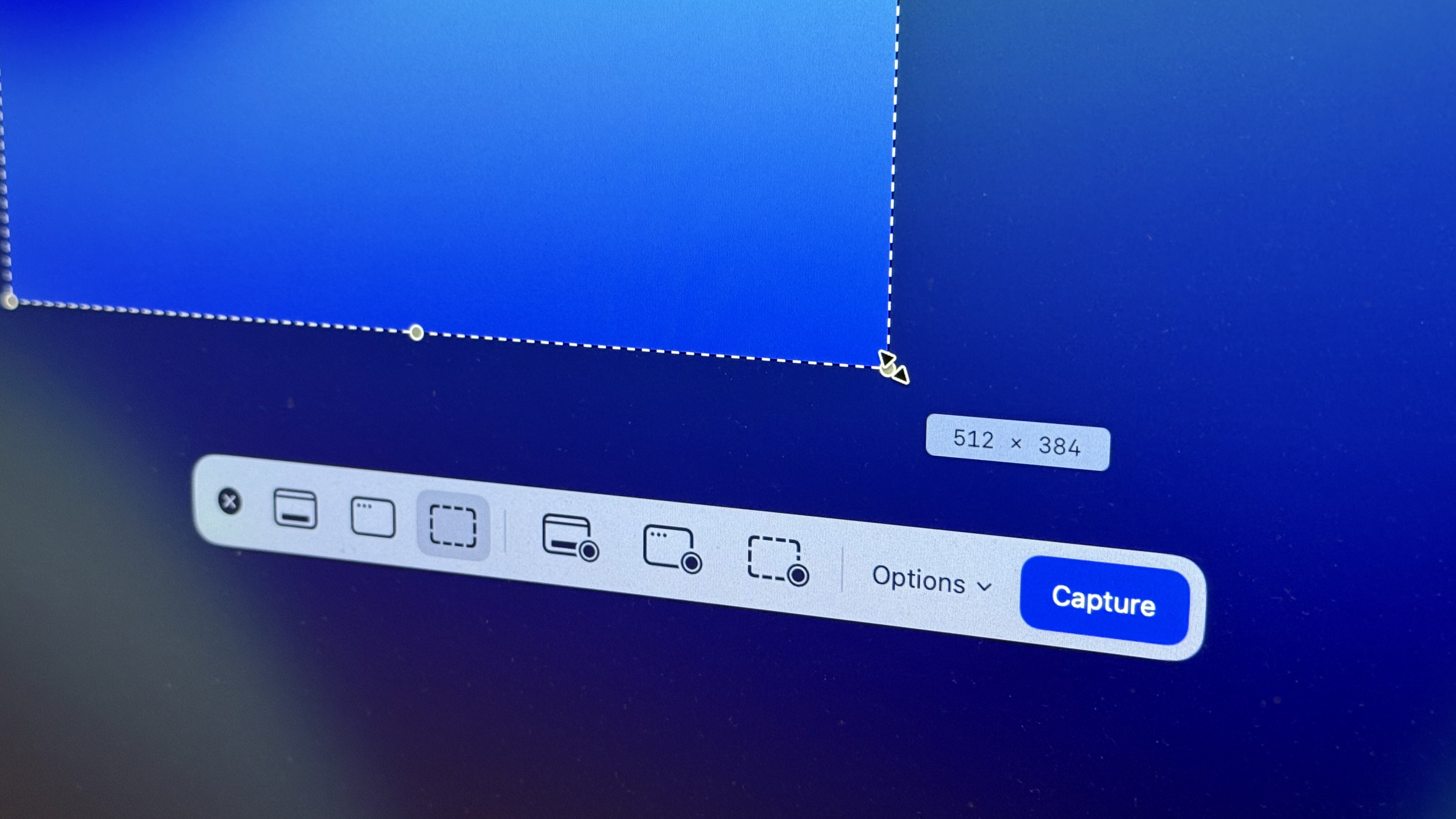
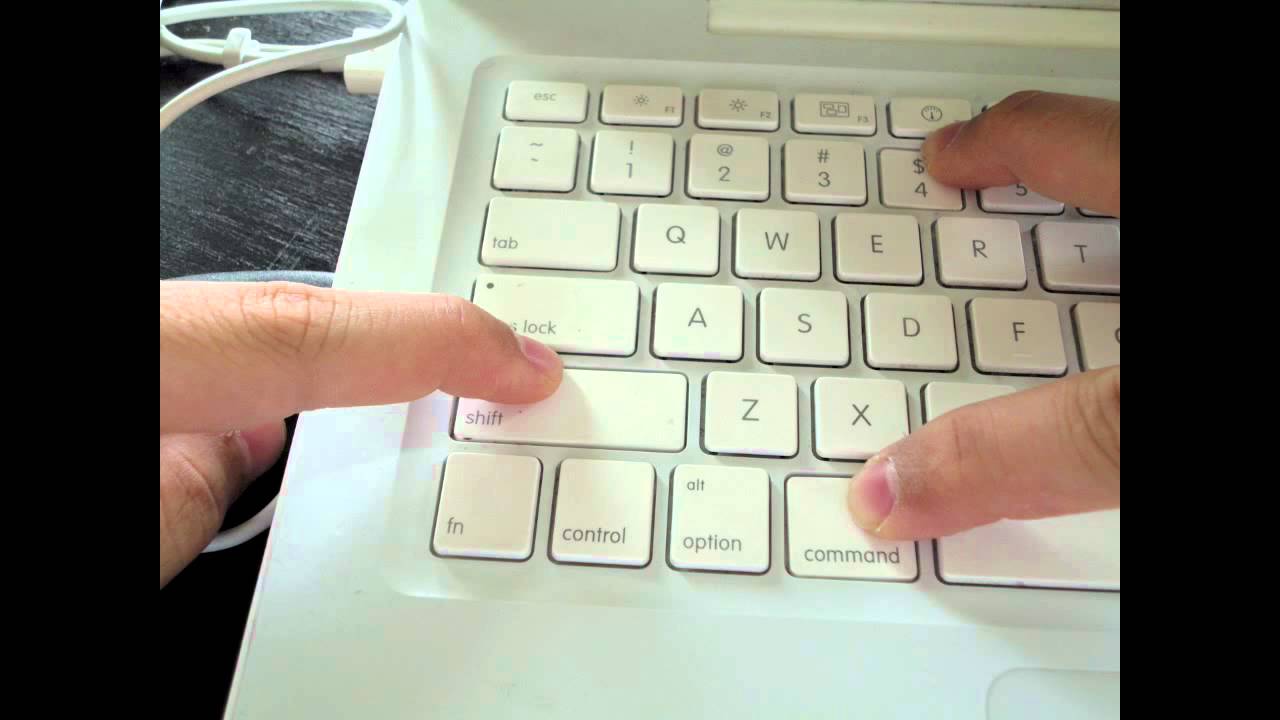
On a Mac, press Shift + Command + 5 to open the screenshot toolbar, or use Shift + Command + 3 for the full screen and Shift + Command + 4 for a selection.
Shortcuts
- Shift + Command + 3: whole screen.
- Shift + Command + 4: select a portion. Press Space to capture a window.
- Shift + Command + 5: toolbar with options to record the screen.
Where files go
Screenshots are saved to the Desktop by default as PNG files. Change that in the Shift + Command + 5 Options menu.
Copy to clipboard
Add Control: Control + Shift + Command + 3 or 4.

Edit
Click the thumbnail in the corner to mark up the image.
Based on data from Apple Support.