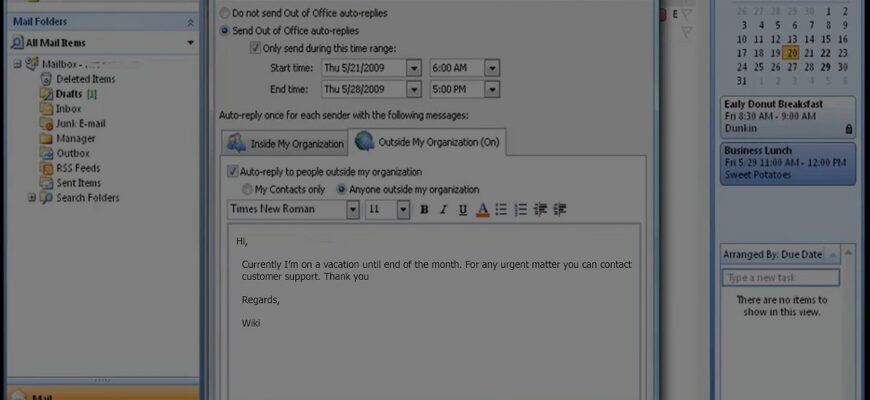
In Outlook go to File, Automatic Replies (Out of Office), turn on automatic replies, and set your message and dates.
Contents
Classic Outlook (Windows, Exchange or Microsoft 365)
- Click File, then Automatic Replies.
- Select Send automatic replies.
- Optionally set a time range.
- Type your message for inside and outside your organization.
- Click OK.
Outlook without Exchange (POP/IMAP)
Create a template and a rule: Home, Rules, Manage Rules & Alerts, reply using a specific template.

Outlook on the web
Settings, Mail, Automatic replies.
New Outlook
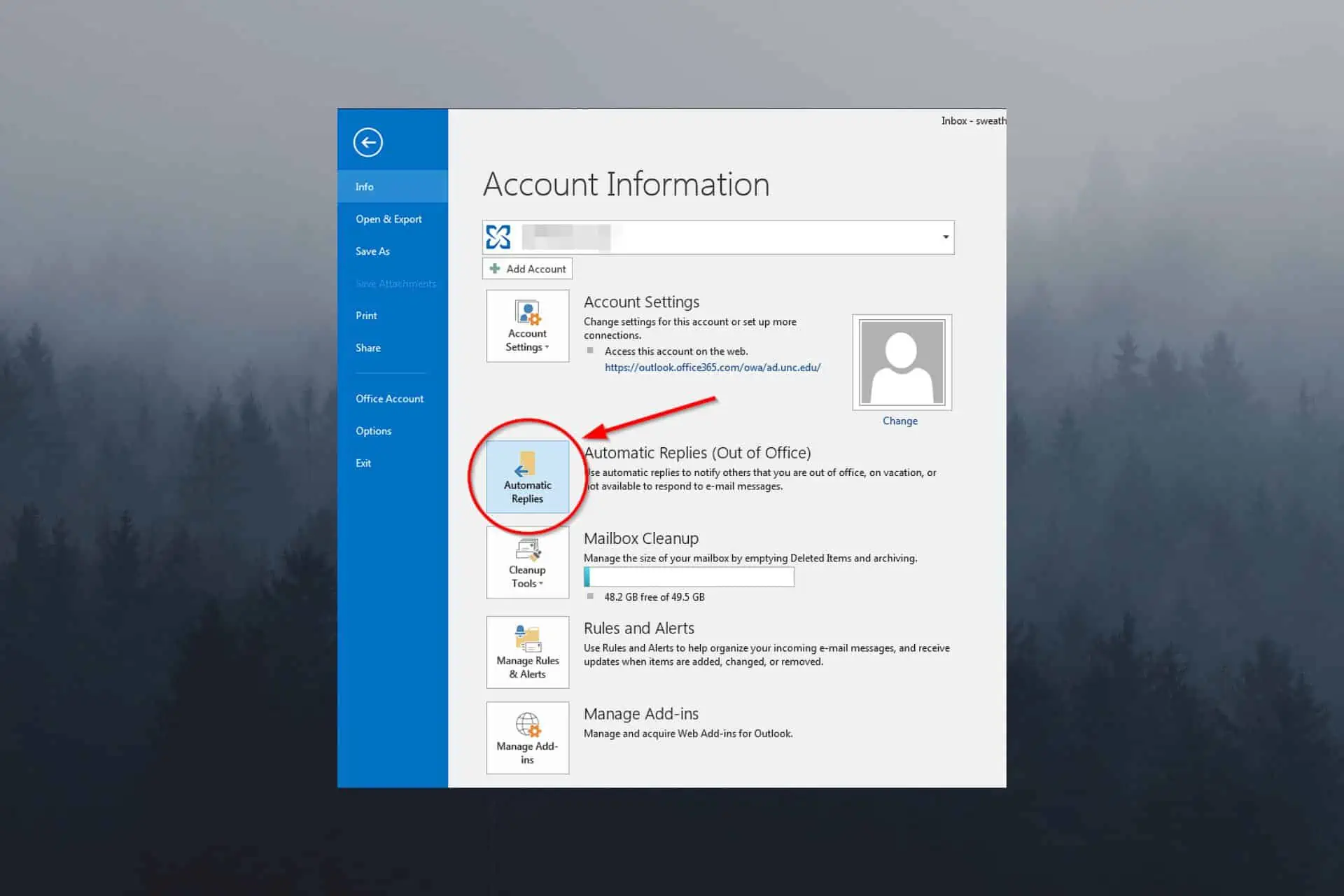
Settings, Accounts, Automatic replies.
Tips
Include your return date and a backup contact. Turn it off when you return.
Based on data from Microsoft Support.