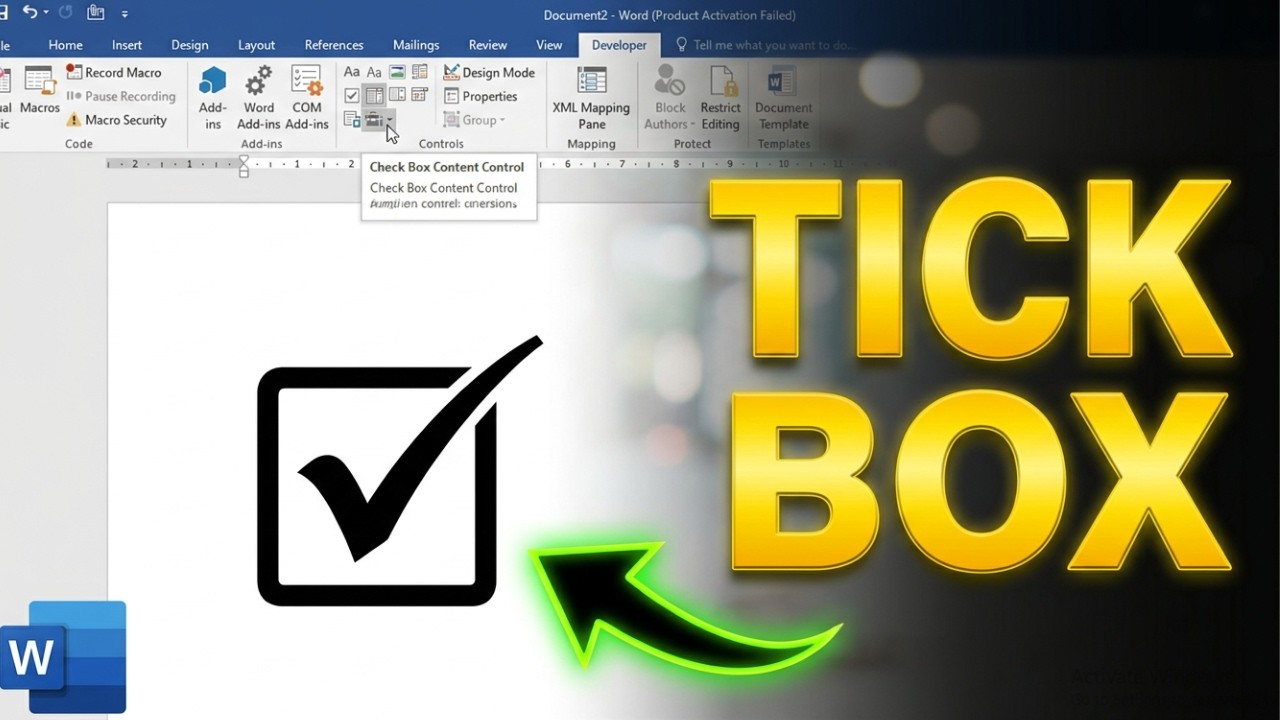
In Word, enable the Developer tab, then click Check Box Content Control. You can also insert a box symbol from Insert, Symbol.
Method 1: Developer tab
- Go to File, Options, Customize Ribbon, and check Developer.
- Place the cursor and choose Developer, Check Box Content Control.
- Click the box to check it.
Method 2: Symbol
Insert, Symbol, More Symbols, choose Wingdings and select a box symbol.
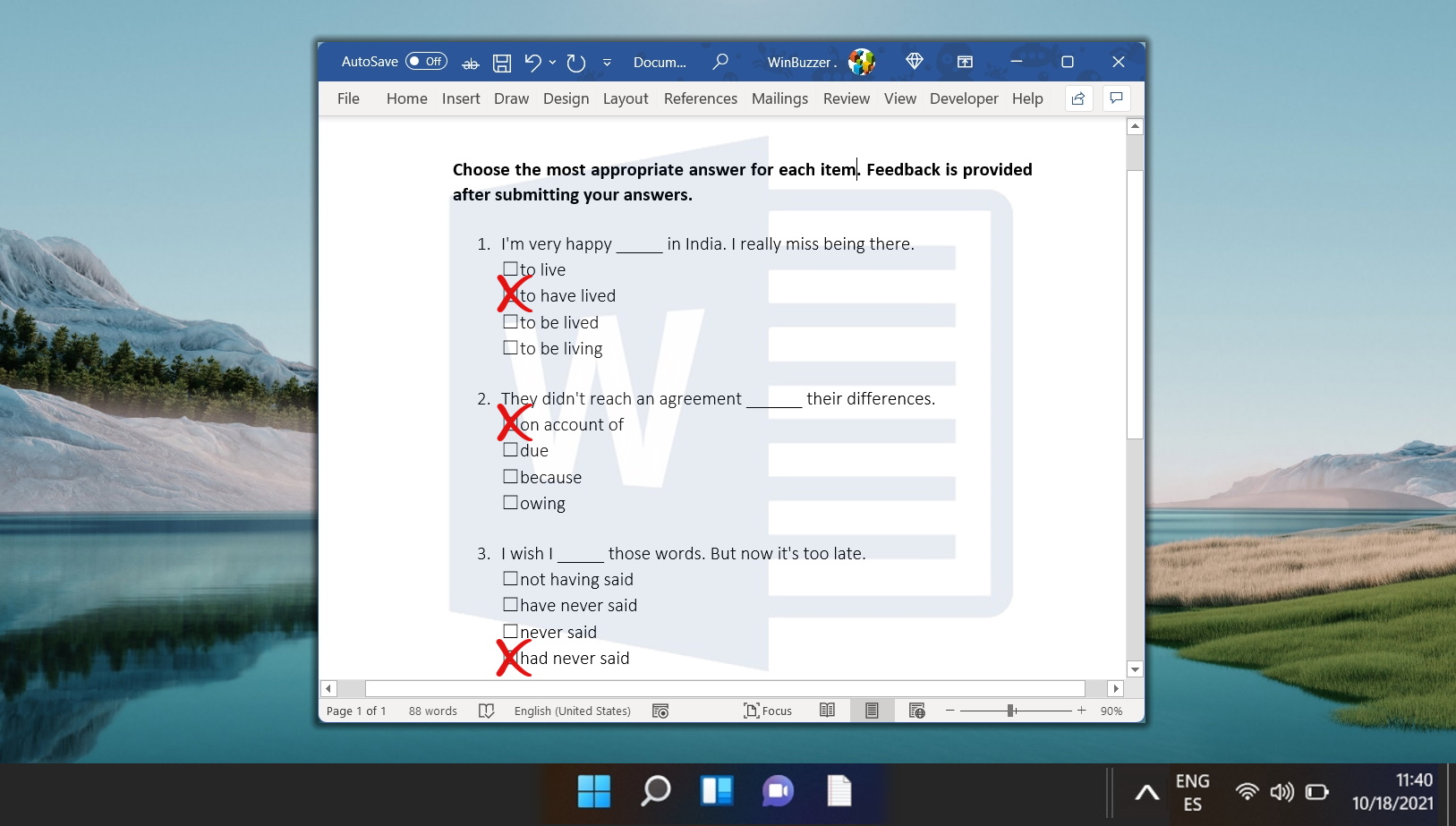
Printable checklists
Use bullets: Home, Bullets, Define New Bullet, Symbol.

Mac
Developer tab is under Preferences, Ribbon and Toolbar.
Based on data from Microsoft Support.