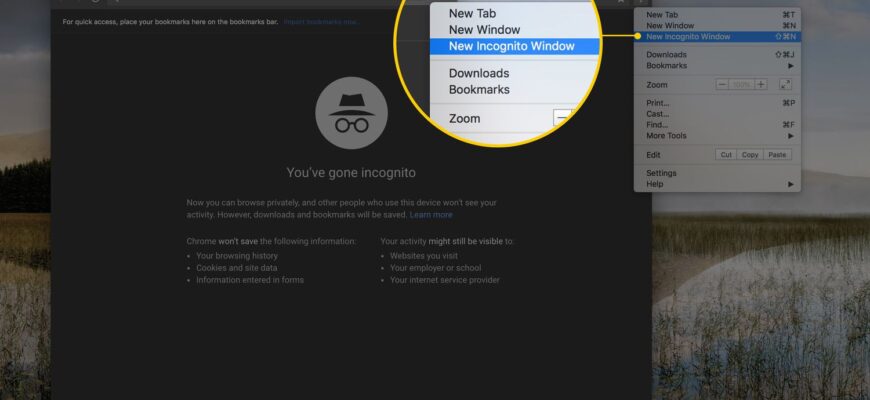
In Chrome press Ctrl + Shift + N, in Safari choose File, New Private Window, or on a phone open the tabs menu.
Shortcuts
- Chrome: Ctrl + Shift + N (Command + Shift + N on Mac).
- Firefox: Ctrl + Shift + P.
- Edge: Ctrl + Shift + N (InPrivate).
- Safari on Mac: File, New Private Window (Command + Shift + N).
On a phone
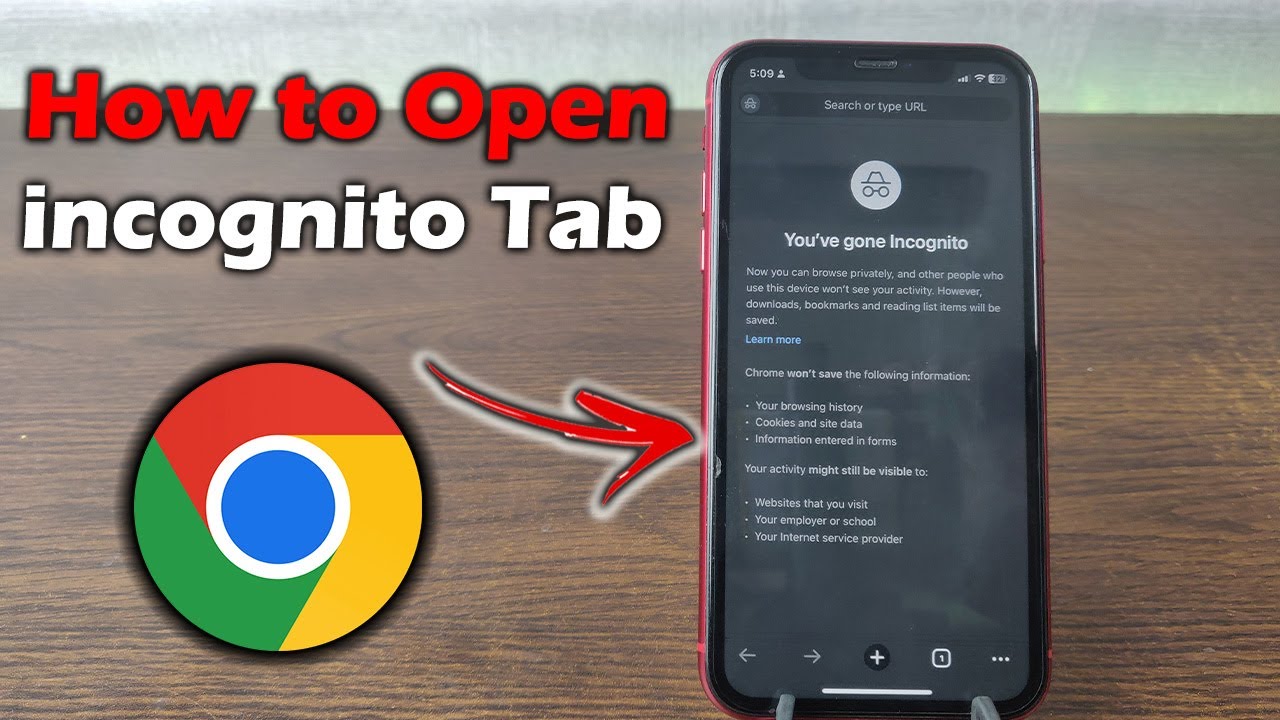
- Chrome: tap the three dots, New Incognito tab.
- Safari on iPhone: tap the tabs icon, then Private.

What it does
It doesn’t save browsing history, cookies or form entries after you close the window.

What it doesn’t do
It doesn’t hide activity from your employer, school or ISP, or from websites you log into.
Based on data from Google Chrome Help, Apple Support and Mozilla Support.