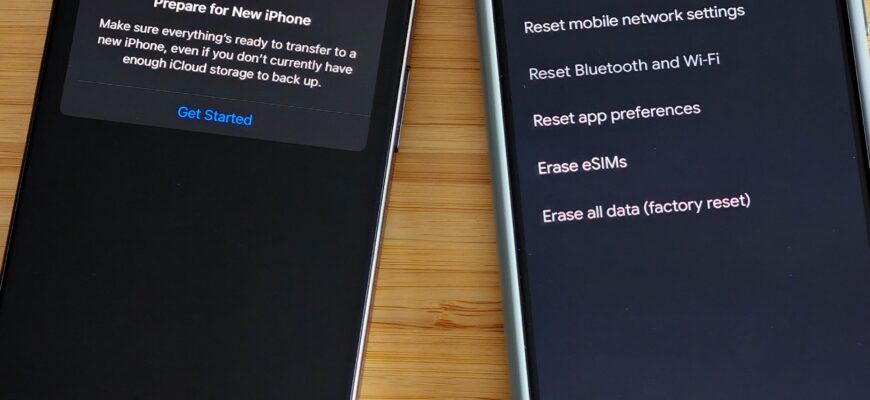
Back up first. On Windows go to Settings, System, Recovery, Reset this PC. On iPhone go to Settings, General, Transfer or Reset iPhone, Erase All Content and Settings.
Before you start
Back up your files and know your Apple ID, Microsoft or Google account details.
Windows
Settings, System, Recovery, Reset this PC. Choose Keep my files or Remove everything.
iPhone
Settings, General, Transfer or Reset iPhone, Erase All Content and Settings.

Android
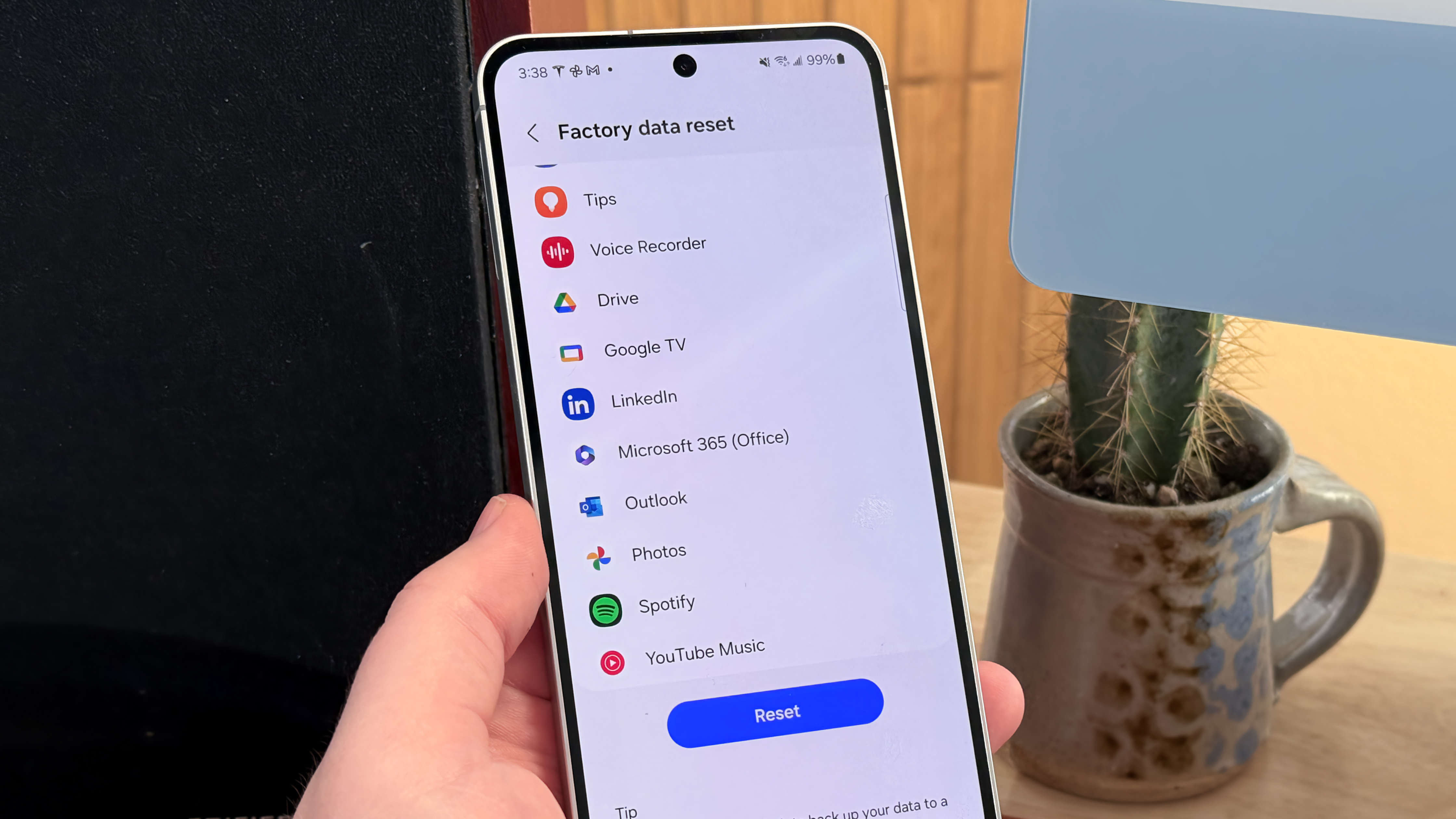
Settings, System, Reset options, Erase all data (factory reset). Menus vary by maker.
Mac
System Settings, General, Transfer or Reset, Erase All Content and Settings.
What it does
It deletes your data and returns the device to its original state.
Sign out first
Sign out of iCloud or Google to avoid activation locks.

Time
Takes 15 minutes to an hour.
Based on data from Microsoft Support, Apple Support and Google Support.